
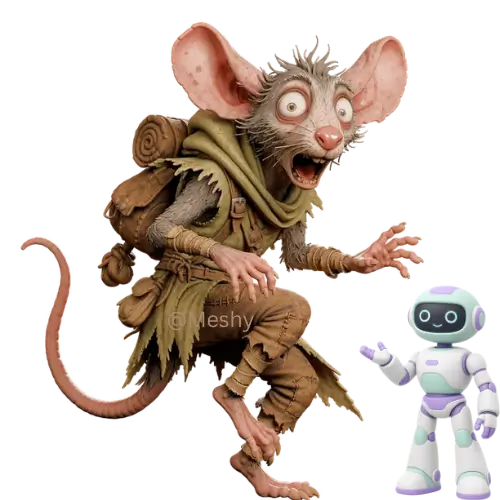
Discover the best AI 3D model generator tools on ABC AI Tools. From text-to-3D and image-to-3D converters to texture creation, character modeling, and game-ready asset generation, these tools turn simple inputs into detailed 3D models in minutes.
Compare model quality, export formats, software compatibility, and pricing side by side to find the right fit for game developers, designers, animators, and 3D printing fans. Every top AI 3D tool is curated in one place.
Start exploring and find the AI tool that brings your ideas into 3D.
Discover the best AI 3D model generator tools on ABC AI Tools. From text-to-3D and image-to-3D converters to texture creation, character modeling, and game-ready asset generation, these tools turn simple inputs into detailed 3D models in minutes.
Compare model quality, export formats, software compatibility, and pricing side by side to find the right fit for game developers, designers, animators, and 3D printing fans. Every top AI 3D tool is curated in one place.
Start exploring and find the AI tool that brings your ideas into 3D.

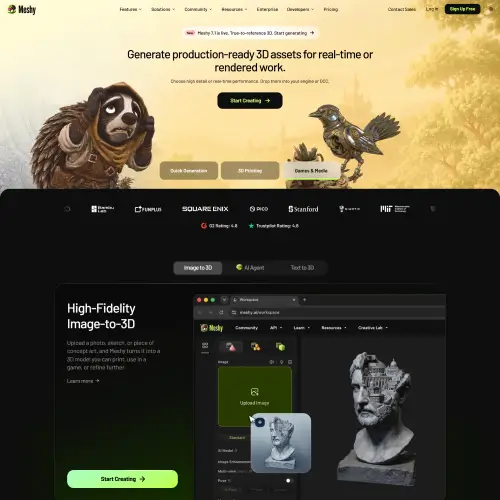
AI 3D model generators use deep learning to create three-dimensional objects, characters, and environments from text prompts, photos, or rough sketches. Instead of spending hours sculpting, rigging, and texturing in traditional software, you can describe an object or upload an image and receive a usable 3D model in minutes. This lowers the barrier to 3D creation for beginners while saving experienced artists valuable time.
The category covers the full 3D asset workflow. Text-to-3D tools generate models from written descriptions. Image-to-3D tools convert a single photo or multiple views into a 3D object. Texture and material generators produce realistic surfaces and PBR maps. Character tools create stylized or realistic figures, often with automatic rigging and animation. Others handle 3D scanning from photos, scene and environment generation, product visualization, mesh cleanup and retopology, 3D printing preparation, and AR and VR asset creation.
Start with your use case, whether that is game assets, product visuals, animation, or 3D printing. Compare model quality, geometry cleanliness, texture detail, and how closely results match your prompt or reference image. Check export formats such as OBJ, FBX, GLB, and STL, along with compatibility with Blender, Unity, Unreal Engine, Maya, and other software. Look at features like auto-rigging, polygon control, and batch generation. Commercial usage rights are important, so review licensing terms before using assets in released projects. Pricing ranges from free credits to professional subscriptions and API access for studios.
Use clear, specific prompts that describe shape, style, materials, and proportions. When using images, choose clean photos with a plain background and good lighting. Generate several variations, then refine the best one in a 3D editor such as Blender to fix topology, scale, and textures before final use.
AI-generated models may need cleanup before they are production-ready. Respect copyright and trademark rules, avoid replicating protected characters or designs, and check licensing terms before selling or distributing assets. Be mindful of consent and privacy when scanning people or private spaces.
We bring together the most useful and current AI 3D model generators in one organized place. Each listing includes key features, pricing, pros and cons, and practical use cases, so you can compare quickly and choose with confidence. Whether you want a free tool to experiment with or a professional pipeline for game and product work, you will find options for every skill level and budget.
Start exploring and find the AI tool that brings your ideas into 3D.
