

Discover the best AI office and workplace tools on ABC AI Tools. From meeting assistants and email writers to document drafting, presentation makers, spreadsheet helpers, and team collaboration apps, these tools cut routine work and keep teams organized.
Compare features, integrations, security, and pricing side by side to find the right fit for employees, managers, remote teams, and growing companies. Every top AI workplace tool is curated in one place.
Start exploring and find the AI tool that makes your workday lighter and more productive.
Discover the best AI office and workplace tools on ABC AI Tools. From meeting assistants and email writers to document drafting, presentation makers, spreadsheet helpers, and team collaboration apps, these tools cut routine work and keep teams organized.
Compare features, integrations, security, and pricing side by side to find the right fit for employees, managers, remote teams, and growing companies. Every top AI workplace tool is curated in one place.
Start exploring and find the AI tool that makes your workday lighter and more productive.
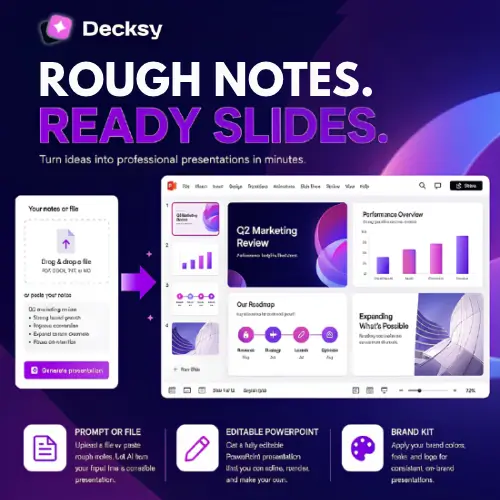
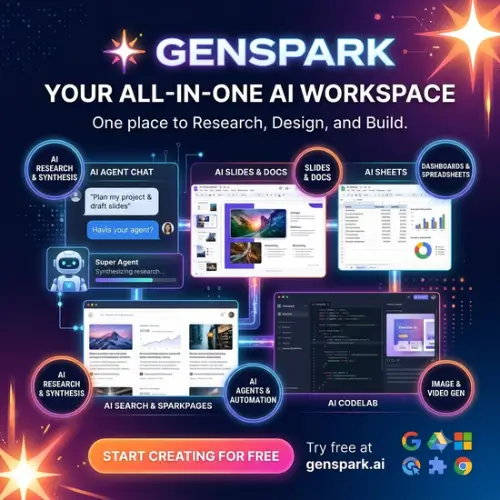



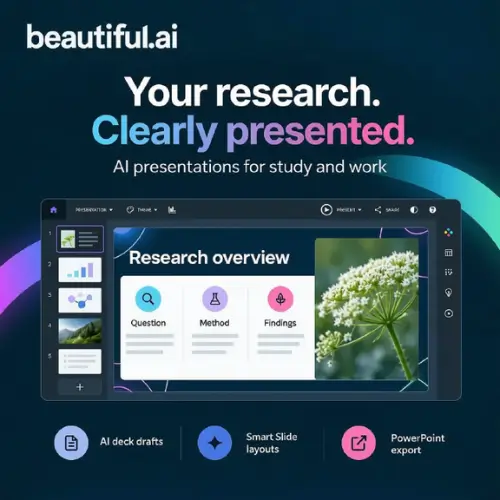
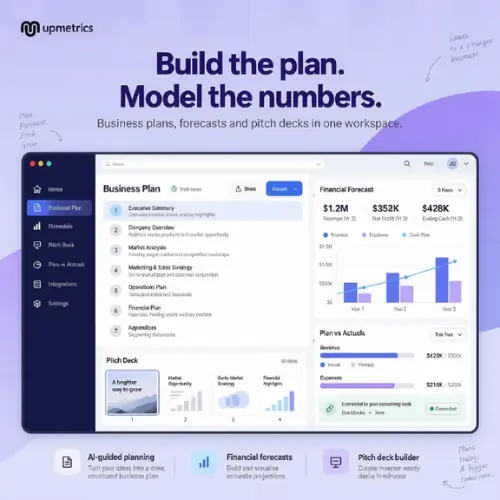
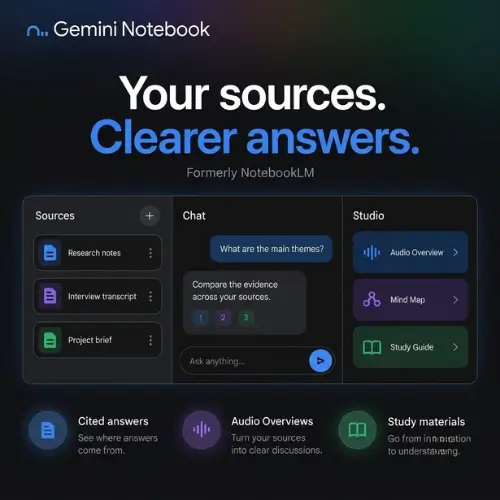
AI office and workplace tools use machine learning to take over the repetitive tasks that fill a typical workday. They can transcribe meetings, draft emails, build presentations, summarize long documents, and organize schedules, all in a fraction of the usual time. The result is less administrative clutter and more room for focused, meaningful work.
The category covers the everyday tools of modern work. Meeting assistants record, transcribe, and summarize calls, then pull out action items. Writing tools draft emails, reports, memos, and proposals. Presentation tools turn outlines into polished slide decks. Spreadsheet assistants write formulas, clean data, and build charts from plain-language requests. Others handle calendar scheduling, note-taking, document search, translation, internal knowledge bases, form and workflow automation, and team communication across platforms like Slack, Microsoft Teams, and Google Workspace.
Start by finding where your team loses the most time, whether that is meetings, email, documents, or reporting. Compare how well each tool fits into your existing software, such as Microsoft 365, Google Workspace, Zoom, Slack, or Notion. Look at the quality of its summaries and drafts, ease of use, and how quickly your team can adopt it. Security is essential in a workplace setting, so review encryption, admin controls, data retention, and compliance certifications such as SOC 2 and GDPR. Pricing ranges from free plans for individuals to per-seat business and enterprise packages.
Start with one or two high-impact workflows, such as meeting notes or email drafting, and expand from there. Give the AI clear context about the audience, tone, and goal, and share best practices with your team so everyone gets consistent results.
Review AI-generated drafts and summaries for accuracy before sharing them. Get consent before recording meetings, avoid entering confidential company or client data into tools that have not been approved by your organization, and follow your company’s policies on AI use.
We bring together the most useful and current AI office and workplace tools in one organized place. Each listing includes key features, pricing, pros and cons, and practical use cases, so you can compare quickly and choose with confidence. Whether you need a simple note-taker or a company-wide productivity suite, you will find options for every team size and budget.
Start exploring and find the AI tool that makes your workday lighter and more productive.
