

Discover the best AI design generator tools on ABC AI Tools. From logo makers and website builders to presentation designers, UI mockups, social graphics, and brand kits, these tools create professional designs from a simple prompt.
Compare templates, customization options, export formats, and pricing side by side to find the right fit for designers, marketers, startups, and small businesses. Every top AI design generator is curated in one place.
Start exploring and find the AI tool that turns your ideas into polished designs.
Discover the best AI design generator tools on ABC AI Tools. From logo makers and website builders to presentation designers, UI mockups, social graphics, and brand kits, these tools create professional designs from a simple prompt.
Compare templates, customization options, export formats, and pricing side by side to find the right fit for designers, marketers, startups, and small businesses. Every top AI design generator is curated in one place.
Start exploring and find the AI tool that turns your ideas into polished designs.
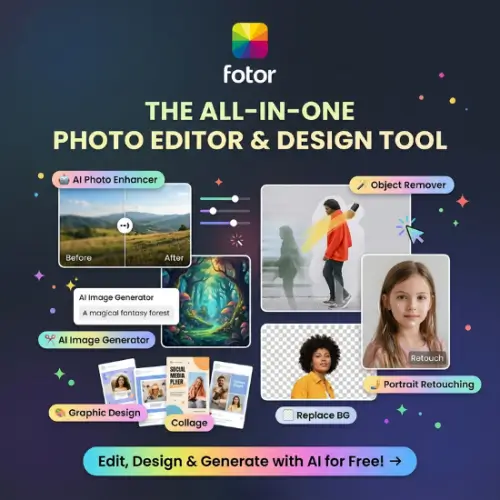
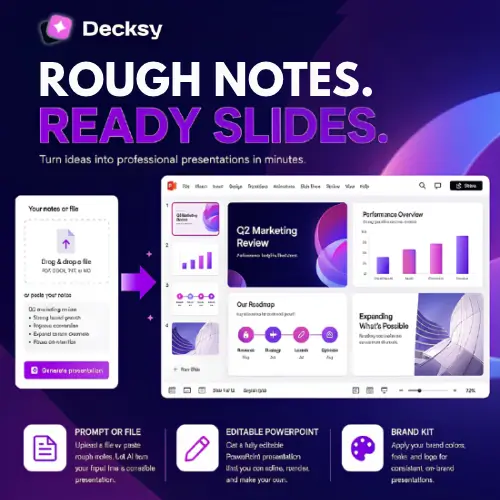
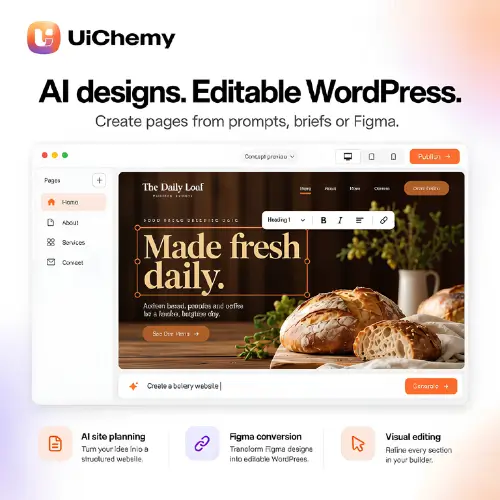




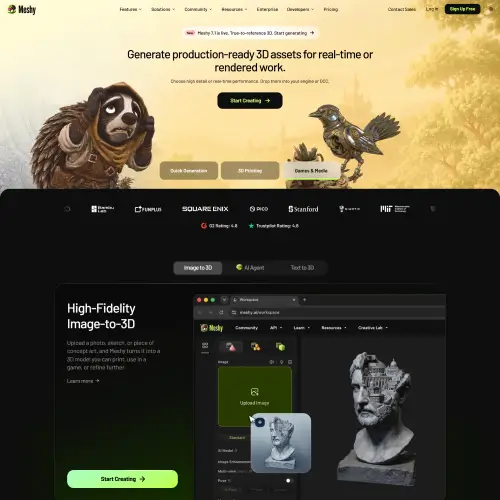
AI design generators use machine learning to produce ready-to-use layouts, graphics, and brand assets from text prompts, content, or reference examples. Describe what you need, and the tool creates a logo, a slide deck, a landing page, or a social media post with matching colors, fonts, and structure. Professional-looking design is no longer limited to people with years of training or large budgets.
The category covers a wide range of design tasks. Logo and brand identity tools generate marks, color palettes, typography pairings, and full brand kits. Website and landing page generators build responsive pages from a short description. Presentation tools turn outlines into polished slides. UI and app design generators create wireframes, mockups, and prototypes. Others produce social media graphics, posters, flyers, business cards, packaging, infographics, banners, and print-ready layouts, often with one-click resizing for different platforms.
Start with the type of design you create most often, whether that is logos, web pages, presentations, or social content. Compare the quality and originality of outputs, not just the number of templates. Check how much control you have to edit colors, text, layouts, and individual elements. Look at export options such as PNG, SVG, PDF, and Figma files, along with brand kit features, team collaboration, and integrations with tools like Canva, Figma, or WordPress. Review commercial usage rights, especially for logos and trademarks. Pricing ranges from free plans with watermarks to subscriptions for teams and agencies.
Give the tool clear details about your brand, audience, style, and purpose. Provide reference colors, fonts, or inspiration when possible, generate several options, and customize your favorite instead of accepting the first result. Consistency across your designs helps build a recognizable brand.
AI-generated designs can resemble existing work, so check logos and brand assets for originality before using or trademarking them. Review licensing terms for fonts, images, and templates, and avoid copying other brands’ identities or protected artwork.
We bring together the most useful and current AI design generators in one organized place. Each listing includes key features, pricing, pros and cons, and practical use cases, so you can compare quickly and choose with confidence. Whether you need a quick logo or a complete brand and website toolkit, you will find options for every skill level and budget.
Start exploring and find the AI tool that turns your ideas into polished designs.
