
Discover the best AI voice generation and editing tools on ABC AI Tools. From text-to-speech and voiceover generators to voice cloning, voice changers, dubbing, noise removal, and speech enhancement, these tools create and polish natural-sounding audio in minutes.
Compare voice quality, language support, customization, licensing, and pricing side by side to find the right fit for creators, marketers, educators, and businesses. Every top AI voice tool is curated in one place.
Start exploring and find the AI tool that gives your content its voice.
Discover the best AI voice generation and editing tools on ABC AI Tools. From text-to-speech and voiceover generators to voice cloning, voice changers, dubbing, noise removal, and speech enhancement, these tools create and polish natural-sounding audio in minutes.
Compare voice quality, language support, customization, licensing, and pricing side by side to find the right fit for creators, marketers, educators, and businesses. Every top AI voice tool is curated in one place.
Start exploring and find the AI tool that gives your content its voice.


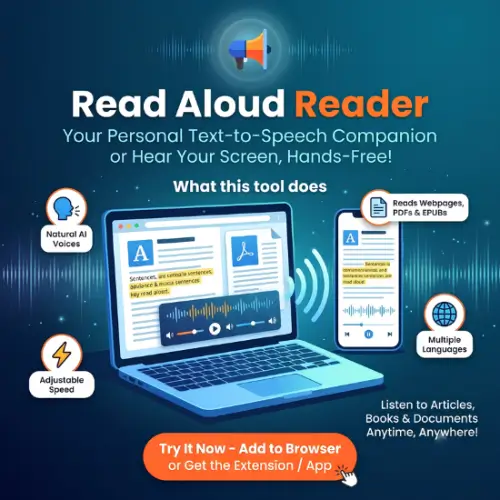
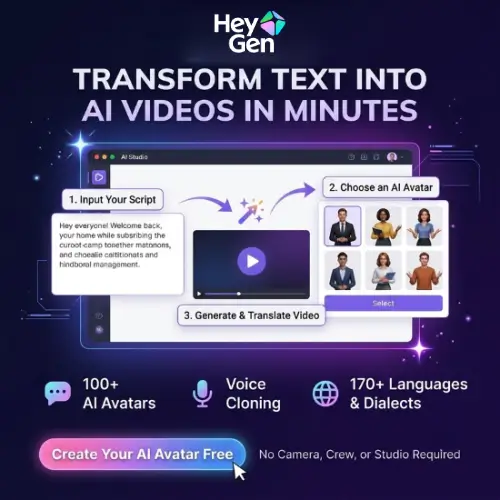
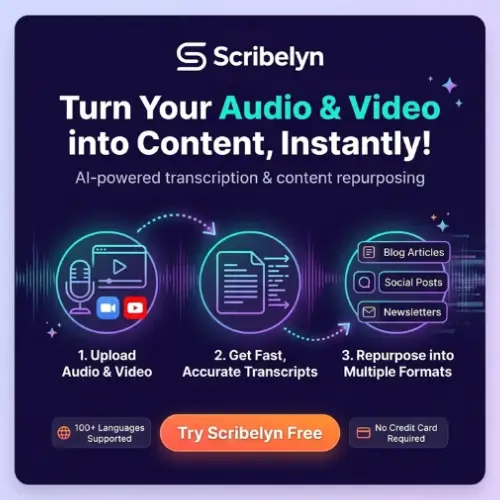


AI voice generation and editing tools use deep learning to create, transform, and improve human-sounding speech. Type a script and receive a lifelike voiceover, record a few lines and clone your own voice, or clean up a noisy recording with one click. What once required a studio, a voice actor, and expensive editing time can now be done in minutes from a browser or phone.
The category covers the full voice production workflow. Text-to-speech tools turn written content into natural narration in many voices, accents, and languages. Voice cloning tools replicate a voice from a short sample, with the speaker’s consent. Voice changers transform pitch, tone, and style in real time or in recordings. Dubbing and translation tools convert speech into other languages while keeping the original voice. Editing tools remove background noise, echo, and filler words, balance volume, and enhance clarity. Others support emotion and pacing control, audiobook narration, character voices, speech-to-speech conversion, and voice-driven assistants.
Start with your main need, whether that is generating speech, cloning a voice, changing a voice, or cleaning up recordings. Compare how natural and expressive the voices sound, including pacing, emotion, and pronunciation. Check supported languages, accents, and the size of the voice library. Look at customization options such as speed, pitch, pauses, and emphasis, along with export formats, length limits, and API access. Review consent and verification requirements for voice cloning, and confirm commercial usage rights before publishing. Pricing ranges from free plans with limited characters to professional subscriptions and enterprise packages.
Write scripts the way people actually speak, using short sentences and clear punctuation to guide pacing. Use phonetic spelling for unusual names, and preview several voices before choosing one. For cloning and editing, start with clean, high-quality recordings made in a quiet room, then fine-tune the output with light editing.
AI voices can be misused for impersonation and fraud. Only clone or imitate voices with clear permission, never create deceptive or harmful audio, and respect the rights of voice actors and public figures. Review each tool’s terms on ownership and commercial use, and disclose AI-generated voices where appropriate.
We bring together the most useful and current AI voice generation and editing tools in one organized place. Each listing includes key features, pricing, pros and cons, and practical use cases, so you can compare quickly and choose with confidence. Whether you need a simple text-to-speech tool or a professional voice cloning and dubbing platform, you will find options for every skill level and budget.
Start exploring and find the AI tool that gives your content its voice.
