

Discover the best Coding & Development AI Tools on ABC AI Tools. From code assistants and autocomplete to debugging, testing, and app builders, these tools help you write better code in less time.
Compare features, supported languages, IDE integrations, and pricing side by side to find the right fit for beginners, professional developers, and engineering teams. Every top AI development tool is curated in one place.
Start exploring and find the AI development tool that helps you build better software, faster.
Discover the best Coding & Development AI Tools on ABC AI Tools. From code assistants and autocomplete to debugging, testing, and app builders, these tools help you write better code in less time.
Compare features, supported languages, IDE integrations, and pricing side by side to find the right fit for beginners, professional developers, and engineering teams. Every top AI development tool is curated in one place.
Start exploring and find the AI development tool that helps you build better software, faster.






AI coding and development tools use large language models and machine learning to assist with writing, reviewing, and maintaining software. They can suggest code as you type, explain unfamiliar functions, find bugs, generate tests, and even build entire features from a plain-English description. The goal is simple: help developers ship faster, with fewer errors and less repetitive work.
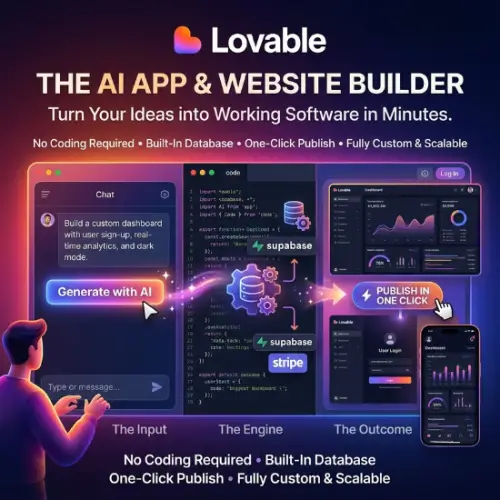
The category covers the full development lifecycle. Code assistants and autocomplete tools suggest lines, functions, and whole files inside your editor. Debugging tools trace errors and recommend fixes. Testing tools generate unit tests and improve coverage. Code review tools catch security issues and style problems before merging. Other tools convert code between languages, write documentation, generate SQL queries, build websites and apps from prompts, and automate DevOps tasks such as deployment scripts and configuration files.
Start by checking which programming languages and frameworks the tool supports well. Then look at IDE compatibility, since the best assistant is one that fits smoothly into VS Code, JetBrains, or whichever editor you already use. Compare the quality of suggestions, how well the tool understands your full codebase, and whether it can handle multi-file changes. Security and privacy are also important: review how your code is stored, whether it is used for model training, and if a self-hosted or enterprise option exists. Finally, weigh pricing, from free tiers for individuals to team plans with admin controls.
Write clear, specific prompts and include context such as the language, framework, and expected output. Break large tasks into smaller steps, and iterate on the results instead of expecting perfect code on the first try. Use AI to speed up the routine parts of your work so you can focus on architecture and problem solving.
AI can produce code that looks correct but contains bugs, security flaws, or outdated practices. Always test and review what it generates, avoid pasting sensitive credentials or proprietary data into tools without checking their policies, and verify license implications for your projects.
We bring together the most useful and current AI coding tools in one organized place. Each listing includes key features, pricing, pros and cons, and practical use cases, so you can compare quickly and choose with confidence. Whether you want a free assistant to learn with or a powerful platform for your whole engineering team, you will find options for every skill level and budget.
Start exploring and find the AI development tool that helps you build better software, faster.
