

Discover the best AI image generation and editing tools on ABC AI Tools. From text-to-image generators and AI photo editors to background removers, upscalers, and style transfer apps, these tools turn ideas into polished visuals in seconds.
Compare image quality, editing features, licensing, and pricing side by side to find the right fit for designers, marketers, creators, and businesses. Every top AI image tool is curated in one place.
Start exploring and find the AI tool that brings your visual ideas to life.
Discover the best AI image generation and editing tools on ABC AI Tools. From text-to-image generators and AI photo editors to background removers, upscalers, and style transfer apps, these tools turn ideas into polished visuals in seconds.
Compare image quality, editing features, licensing, and pricing side by side to find the right fit for designers, marketers, creators, and businesses. Every top AI image tool is curated in one place.
Start exploring and find the AI tool that brings your visual ideas to life.

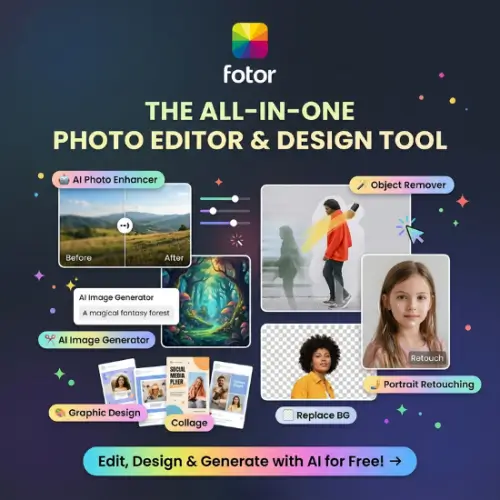
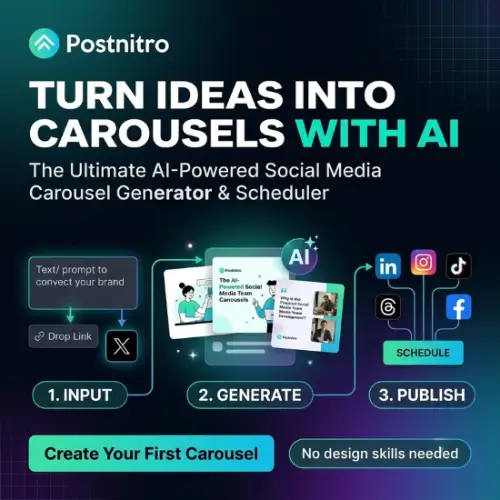
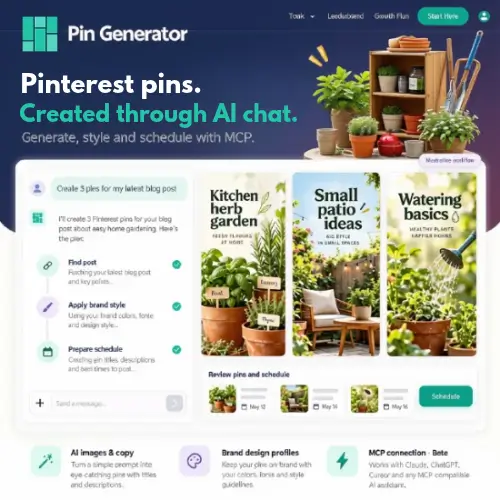
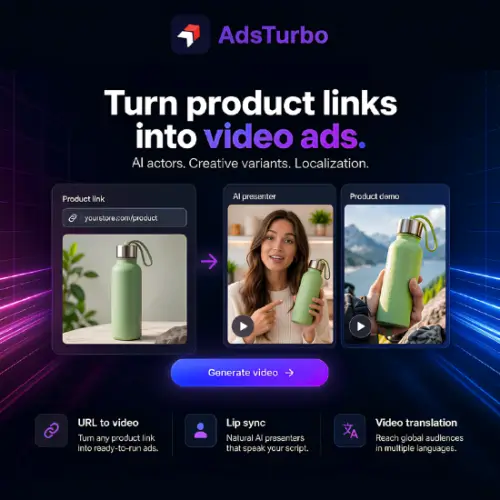
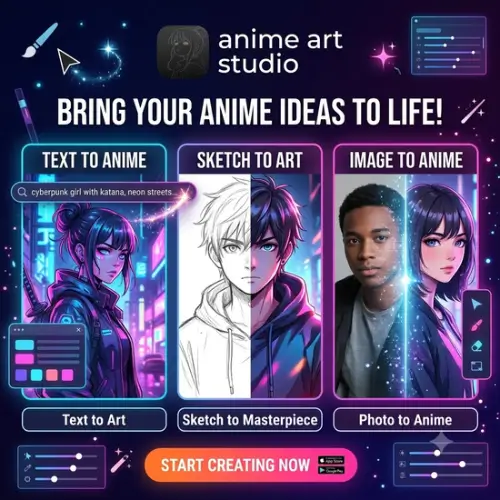
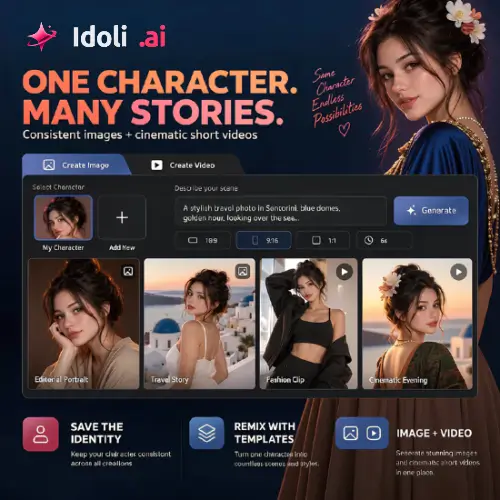
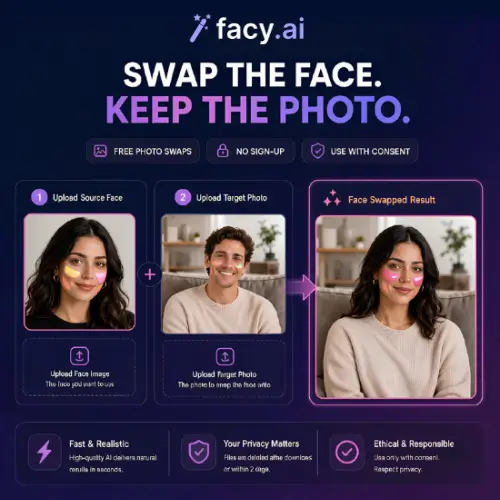
AI image generation and editing tools use deep learning models to create new visuals from text prompts or to modify existing images with simple instructions. You can describe a scene and watch it appear, or upload a photo and ask the AI to change the background, fix the lighting, or remove an object. This removes the need for advanced design skills and cuts hours of manual work down to minutes.
The category covers both creation and refinement. Text-to-image generators produce illustrations, concept art, product mockups, and photorealistic scenes. Image-to-image tools transform sketches or photos into new styles. Editing tools handle inpainting and outpainting, object removal, background replacement, face and skin retouching, colorization, and photo restoration. Upscalers increase resolution without losing detail, while other tools generate avatars, stickers, patterns, and marketing visuals ready for social media and ads.
Begin with your main goal: generating new images, editing existing ones, or both. Compare output quality, realism, style variety, and how accurately the tool follows your prompts. Look at editing controls such as masks, layers, and fine-tuning options, along with resolution limits and export formats. Commercial usage rights are essential, so read each tool’s licensing terms before using images in client or business projects. Also weigh speed, ease of use, mobile or desktop availability, and pricing, from free plans with daily credits to professional subscriptions.
Write detailed prompts that describe the subject, style, lighting, colors, and composition. Use reference images when a tool supports them, generate several variations, and refine your favorites through editing. Combining AI output with your own finishing touches often delivers the most original results.
AI imagery raises important questions about copyright, consent, and authenticity. Avoid creating misleading or harmful content, respect the rights of artists and individuals, and disclose AI use where appropriate, especially in commercial or journalistic work.
We bring together the most useful and current AI image generation and editing tools in one organized place. Each listing includes key features, pricing, pros and cons, and practical use cases, so you can compare quickly and choose with confidence. Whether you want a free generator to play with or a professional editor for client work, you will find options for every skill level and budget.
Start exploring and find the AI tool that brings your visual ideas to life.
