Creating attractive social media posts consistently can take a lot of time. You need to think of fresh content ideas, write engaging captions, design graphics, choose hashtags, and maintain a regular posting schedule. Fortunately, AI tools can make this entire process much easier.
Whether you are an Instagram creator, YouTuber, business owner, freelancer, or social media manager, AI-powered tools can help you create professional-looking posts without advanced design or writing skills.
In this guide, we will explore the best AI tools for creating social media posts in 2026. We will compare their features, pricing, advantages, disadvantages, and unique capabilities to help you choose the right software for your needs and budget.
Quick Comparison: Best AI Tools for Social Media Posts
Here are our shortlisted tools and what makes each one worth considering:
| AI Tool | Best For | Main Advantage |
|---|---|---|
| Canva | Beginners and creators | AI designs and templates |
| Predis.ai | Automated social media content | Generates posts and captions |
| Adobe Express | Professional-looking designs | Adobe creative features |
| Piktochart | Infographics and educational posts | Visual storytelling |
| Buffer | Content planning and publishing | AI writing and scheduling |
| Hootsuite | Social media management | AI-assisted content workflow |
| Simplified | All-in-one content creation | Writing and graphic design |
| Jasper | Marketing teams | Brand-focused AI writing |
Pricing, free-plan limits, and feature availability can change. Check the official pricing pages before purchasing.
1. Canva – Best Overall AI Tool for Creating Social Media Posts

Visit Canva Official Website >>
Canva is one of the most popular design platforms for creating social media graphics. It is especially useful for people who want professional-looking Instagram posts, Facebook graphics, Pinterest pins, LinkedIn posts, and promotional banners without hiring a graphic designer.
With Canva’s AI-powered Magic Studio features, you can speed up the design process and generate creative content using simple text instructions.
For example, you can start with a prompt such as “Create an Instagram post announcing a 50% discount on skincare products.” Canva can help you develop a design using suitable layouts, text, images, and other visual elements.
Key Features
- AI-powered design assistance.
- Thousands of social media templates.
- Magic Design for generating design suggestions.
- AI image generation and editing features.
- Background removal and image editing.
- Brand Kit for maintaining consistent branding.
- Instagram, Facebook, LinkedIn, and Pinterest post formats.
- Team collaboration and content sharing.
Pricing
Canva offers a free plan and paid subscriptions. Some advanced AI features, premium templates, and brand-management capabilities require a paid plan.
| Plan | Pricing |
|---|---|
| Free | $0 |
| Canva Pro | Paid subscription |
| Canva Business | Paid subscription |
Note: Exact subscription prices and AI usage limits vary by country, billing period, and current offer. Check the official pricing page.
Pros
- Very beginner-friendly interface.
- Large collection of ready-made templates.
- Excellent for creating different social media formats.
- Useful AI design and editing features.
- Good option for individuals and businesses.
Cons
- Some of the best templates and assets require a paid plan.
- AI usage may be limited by subscription.
- Designs can look generic without customization.
What Makes Canva Different?
Canva combines graphic design, AI editing, templates, and brand management in one platform. Instead of using separate tools for designing images and editing graphics, you can complete most of the work in one place.
Best For: Beginners, Instagram creators, small businesses, influencers, and social media designers.
Visit Canva Official Website >>
2. Predis.ai – Best for Automatically Generating Social Media Content

Visit Predis AI Official Website >>
Predis.ai is an AI social media content creation platform designed to help businesses and creators produce content faster. It is particularly useful if you regularly publish promotional posts, product graphics, carousels, and social media advertisements.
Unlike traditional graphic design tools, Predis.ai focuses on automating more of the content creation process.
You can provide a product description, business idea, or simple text prompt, and the platform can help generate social media creatives, captions, and other content.
It can be particularly helpful for ecommerce businesses that need to promote multiple products across different social media platforms.
Key Features
- AI-generated social media posts.
- Automatic caption generation.
- AI-generated creative designs.
- Carousel and video content creation.
- Hashtag suggestions.
- Social media content calendar.
- Competitor analysis features on supported plans.
- Social media scheduling and publishing integrations.
Pricing
Predis.ai offers different subscription options, including entry-level and higher-volume plans. Pricing and generation limits can change depending on the subscription.
Check the latest options here: Predis.ai Pricing.
Pros
- Creates social media content from simple prompts.
- Useful for ecommerce product promotions.
- Helps generate captions and creative ideas.
- Supports different content formats.
- Can reduce repetitive content creation work.
Cons
- AI-generated designs may need manual editing.
- Some advanced features require paid subscriptions.
- Output quality depends on the instructions and input information.
What Makes Predis.ai Different?
Predis.ai is more focused on automated social media content production than general-purpose graphic design. It is a strong option when you want to generate multiple promotional creatives and captions without designing everything from scratch.
Best For: Ecommerce stores, digital marketers, small businesses, agencies, and social media managers.
Visit Predis AI Official Website >>
3. Adobe Express – Best for Professional Social Media Graphics
Visit Adobe Express Official Website >>
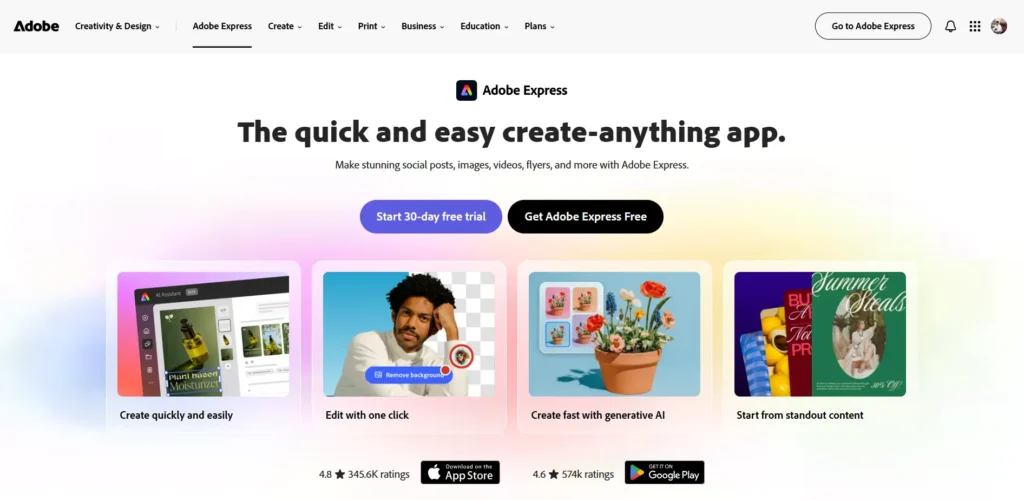
Adobe Express is a creative design platform from Adobe that helps users create social media graphics, promotional banners, videos, flyers, and other marketing materials.
It is a good alternative to Canva, especially if you want polished designs and access to Adobe’s creative technology.
Its AI-powered features make it easier to generate images, remove backgrounds, edit visual elements, and create designs using text prompts.
You don’t need professional graphic design experience to get started.
Key Features
- AI text-to-image generation.
- Ready-made Instagram and Facebook templates.
- Background removal and image editing.
- One-click resizing for different platforms.
- Brand Kits for consistent designs.
- Animated graphics and video editing.
- Adobe Stock photos, videos, and design assets.
- Social media scheduling.
Pricing
Adobe Express provides a free plan and a Premium subscription.
| Plan | Price |
|---|---|
| Free | $0 |
| Premium | $9.99/month |
| Firefly Pro | $19.99/month |
The Premium plan includes additional templates, creative assets, 250 monthly generative credits, brand kits, and advanced editing features. Prices shown are listed US prices and may vary by region. Adobe Express
Pros
- High-quality design templates.
- Excellent photo and graphic editing features.
- Useful AI image generation capabilities.
- Easy resizing for multiple platforms.
- Access to Adobe’s creative ecosystem.
Cons
- Some advanced features require a subscription.
- Beginners may need time to explore all the features.
- AI generation credits have usage limits.
What Makes Adobe Express Different?
Adobe Express combines AI-assisted design with Adobe’s creative ecosystem. It is particularly useful for people who want more control over their graphics, typography, images, and overall visual presentation.
Best For: Content creators, marketing professionals, freelancers, and businesses that need professional social media graphics.
Visit Adobe Express Official Website >>
4. Buffer – Best for AI Captions and Social Media Scheduling
Visit Buffer Official Website >>
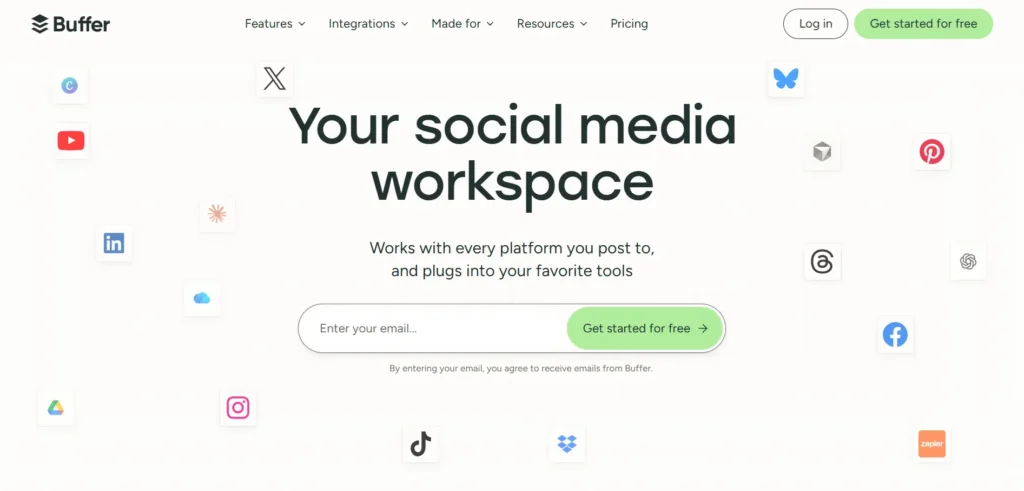
Buffer is primarily a social media management platform that helps creators and businesses plan, write, schedule, and publish their content.
Unlike Canva and Adobe Express, Buffer focuses more on managing your social media publishing workflow rather than designing complicated graphics.
Its AI Assistant can help you generate post ideas, rewrite captions, adjust the tone of your content, and create platform-specific variations.
For example, you can write one idea and use AI to turn it into a professional LinkedIn post, an engaging Instagram caption, or a shorter post for another social network.
Key Features
- AI-powered caption writing.
- Social media post ideas.
- Caption rewriting and improvement.
- Content calendar.
- Social media scheduling.
- Multi-platform publishing.
- Performance analytics.
- Team collaboration.
Pricing
Buffer has a free plan and paid subscriptions.
| Plan | Starting Price |
|---|---|
| Free | $0 |
| Essentials | $5/month per channel |
| Team | $10/month per channel |
The paid prices above are starting rates with annual billing. Buffer’s Free plan supports up to three channels and 10 scheduled posts per channel. Its AI Assistant is also included in the free plan.
Pros
- Simple and clean interface.
- AI writing assistant included in the free plan.
- Easy social media scheduling.
- Supports multiple social networks.
- Useful analytics and publishing tools.
Cons
- Not a full graphic design platform.
- Paid costs increase with the number of connected channels.
- Some advanced analytics and collaboration features require paid plans.
What Makes Buffer Different?
Buffer focuses on the complete publishing process. Instead of only generating captions or graphics, it helps you organize content, schedule posts, and manage multiple social media accounts from one dashboard.
Best For: Instagram creators, social media managers, freelancers, and businesses that publish content regularly.
Visit Buffer Official Website >>
5. Simplified – Best for All-in-One Social Media Content Creation
Visit Simplified Official Website >>
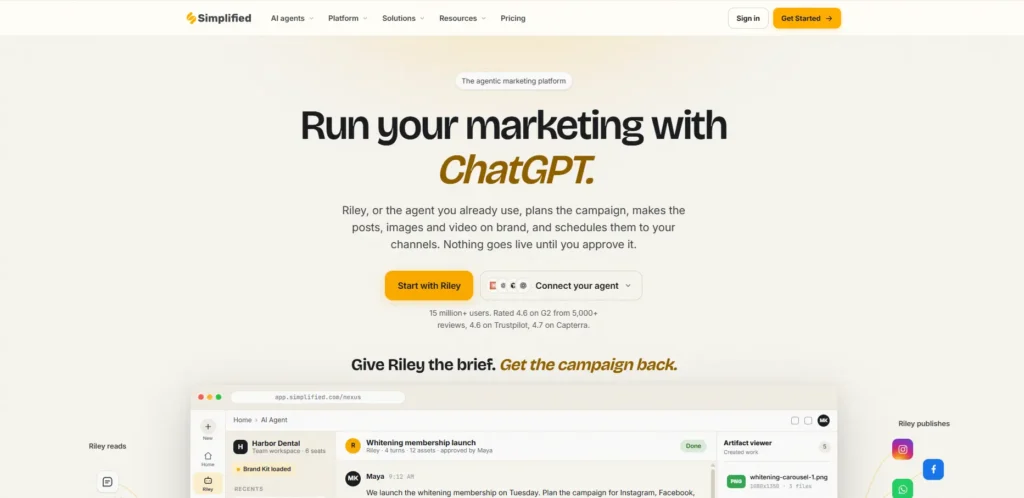
Simplified is an all-in-one AI content creation platform that combines AI writing, graphic design, video editing, and social media management.
It is useful if you don’t want to purchase several different tools for creating social media content.
You can use its AI writing features to generate captions, marketing copy, and content ideas. Its design tools help you turn those ideas into attractive graphics.
The platform also offers social media management capabilities, making it useful for people who want to handle multiple content creation tasks in one place.
Key Features
- AI social media caption generator.
- AI content and post ideas.
- Graphic design templates.
- AI image generation.
- Social media post creation.
- Video editing tools.
- Brand management.
- Social media scheduling features.
Pricing
Simplified offers free and paid subscription options. Its pricing and feature limits depend on the product category and plan selected.
Visit the official page for current subscription details: Simplified Pricing.
Pros
- Multiple content creation tools in one platform.
- Useful for both text and visual content.
- Can reduce the need for multiple subscriptions.
- Suitable for marketing teams and agencies.
- Beginner-friendly design experience.
Cons
- The large number of features can feel overwhelming.
- Some advanced features require paid plans.
- AI-generated content may need editing before publishing.
What Makes Simplified Different?
Its biggest advantage is its all-in-one approach. You can work on captions, graphics, videos, and social media content without constantly switching between different applications.
Best For: Small businesses, digital marketing agencies, content creators, and freelancers.
Visit Simplified Official Website >>
6. Jasper – Best for Marketing-Focused Social Media Content
Visit Jasper AI Official Website >>
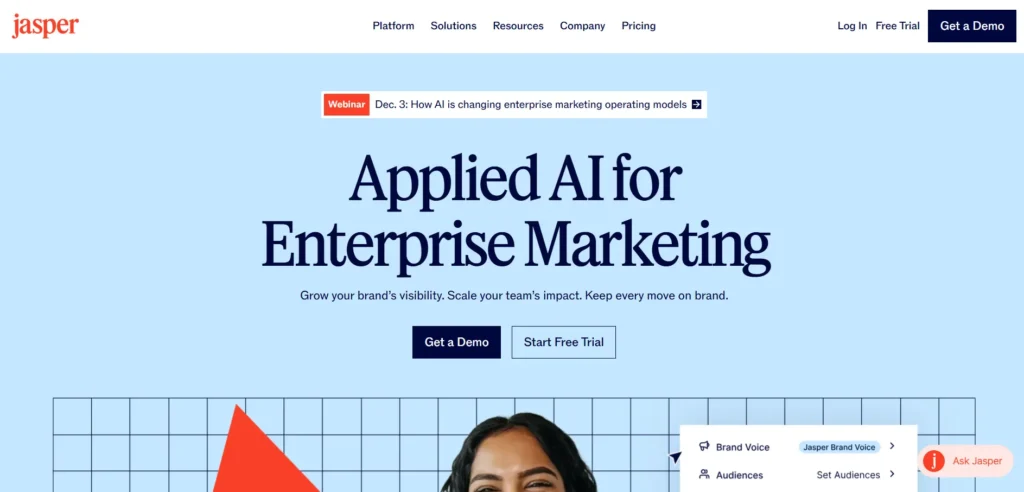
Jasper is an AI marketing platform designed to help businesses create marketing content more efficiently.
While many AI tools focus on generating simple captions, Jasper is particularly useful for creating marketing messages that follow a consistent brand voice.
You can use it to write promotional posts, product announcements, campaign messages, advertising copy, and social media captions.
For businesses that publish content across several platforms, maintaining a consistent tone is important. Jasper’s Brand Voice capabilities help teams create content that follows their brand’s communication style.
Key Features
- AI social media copywriting.
- Marketing campaign content.
- Brand Voice customization.
- Content rewriting and improvement.
- Marketing templates and workflows.
- Multiple brand and audience support.
- Team collaboration.
- AI-powered marketing content creation.
Pricing
Jasper offers the following main subscription options:
| Plan | Price |
|---|---|
| Pro | $69/month |
| Business | Custom pricing |
The Pro plan is listed at $59/month when billed annually or $69/month when billed monthly. A seven-day free trial is also advertised. Jasper+1
Official pricing: Jasper Pricing.
Pros
- Strong marketing-focused writing capabilities.
- Useful Brand Voice features.
- Good for promotional content.
- Helps maintain consistent brand messaging.
- Suitable for marketing teams.
Cons
- More expensive than basic caption generators.
- Not primarily a graphic design platform.
- May be unnecessary for people who only need occasional Instagram captions.
What Makes Jasper Different?
Jasper is designed around marketing workflows rather than just basic AI text generation. Its Brand Voice and campaign-focused capabilities make it particularly valuable for businesses that need consistent messaging across multiple channels.
Best For: Marketing agencies, ecommerce brands, professional marketers, and businesses with regular content requirements.
Visit Jasper AI Official Website >>
7. Piktochart – Best for Infographics and Educational Social Media Posts
Visit Piktochart Official Website >>
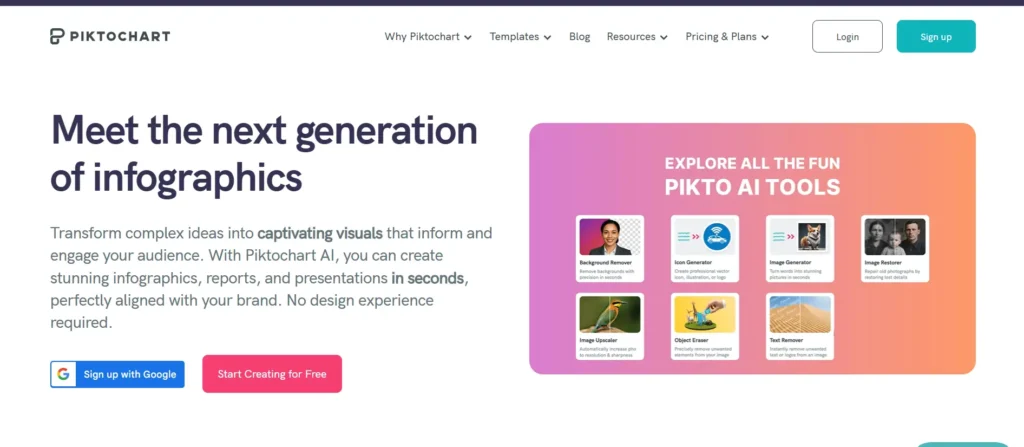
Piktochart is a visual content creation platform that specializes in infographics, presentations, reports, and other information-rich graphics.
It is especially useful when you want to create educational social media content rather than ordinary promotional images.
For example, if you run a technology page, you can use Piktochart to create graphics explaining AI trends, comparing software features, presenting statistics, or sharing step-by-step tutorials.
Its AI features can also help turn information into visual content more quickly.
Key Features
- AI-assisted infographic creation.
- Ready-made visual templates.
- Charts and data visualization.
- Educational graphics.
- Customizable designs.
- Brand colors and fonts.
- Team collaboration.
- High-quality downloads.
Pricing
Piktochart offers a free plan and paid subscriptions.
| Plan | Price |
|---|---|
| Free | $0 |
| Pro | $10/member/month |
| Business | $17/member/month |
| Enterprise | Custom pricing |
The Pro and Business prices are based on annual billing. The Free plan includes 60 AI credits and two PNG downloads. Piktochart
Official pricing: Piktochart Pricing.
Pros
- Excellent infographic creation capabilities.
- Useful for educational and informative content.
- Easy-to-customize templates.
- AI credits available on the free plan.
- Good for visual storytelling.
Cons
- Not as focused on everyday social media scheduling.
- Fewer general-purpose social media workflows than dedicated social tools.
- Some download and branding features require paid plans.
What Makes Piktochart Different?
Piktochart specializes in communicating information visually. It is a better choice for data-driven graphics, educational posts, comparison charts, and informative carousels than for simply generating everyday captions.
Best For: Educators, bloggers, technology creators, businesses, and infographic designers.
Visit Piktochart Official Website >>
8. Hootsuite – Best for Managing Multiple Social Media Accounts
Visit Hootsuite Official Website >>
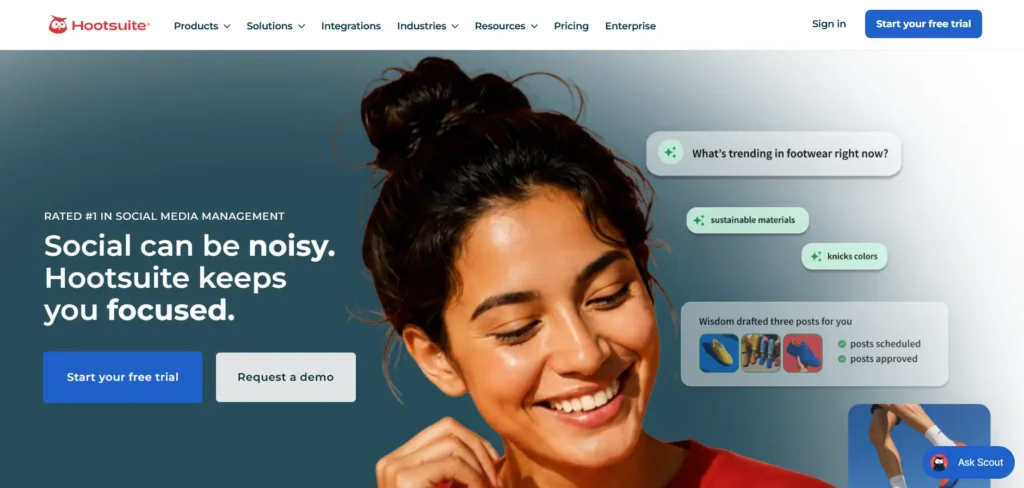
Hootsuite is a social media management platform designed for businesses, agencies, and professional social media managers.
It helps users plan content, manage multiple social accounts, schedule posts, monitor engagement, and analyze social media performance.
Its AI capabilities can assist with creating social media content and improving the publishing workflow.
It is particularly useful when you manage several social media accounts and need more than just an AI caption generator.
Key Features
- AI-assisted social media content creation.
- Social media publishing and scheduling.
- Content calendar.
- Multiple social account management.
- Social media analytics and reporting.
- Team collaboration.
- Social listening and monitoring.
- AI-assisted marketing workflows.
Pricing
Hootsuite offers paid subscription plans and a 14-day free trial.
Its main plans include:
| Plan | Pricing |
|---|---|
| Standard | Paid subscription |
| Professional | Paid subscription |
| Advanced | Paid subscription |
| Enterprise | Custom pricing |
The final price depends on the selected subscription, billing period, and region. Check the official page for current pricing. hootsuite.com
Official pricing: Hootsuite Plans and Pricing.
Pros
- Powerful social media management features.
- Supports multiple social media accounts.
- Useful analytics and reporting.
- Helps organize publishing workflows.
- Suitable for larger teams and agencies.
Cons
- May be expensive for individual creators.
- More features than beginners may need.
- Not primarily a graphic design application.
What Makes Hootsuite Different?
Hootsuite focuses on managing social media operations at scale. It is more suitable for businesses and agencies that need publishing, monitoring, analytics, and team management in one place.
Best For: Social media agencies, marketing departments, established businesses, and professional social media managers.
Visit Hootsuite Official Website >>
Best AI Tools for Creating Social Media Posts: Detailed Comparison
Now that we have explored the individual platforms, let’s compare them based on their primary strengths.
| Tool | AI Writing | AI Design | Scheduling | Best Use |
|---|---|---|---|---|
| Canva | Yes | Excellent | Yes | General graphics |
| Predis.ai | Yes | Yes | Yes | Automated content |
| Adobe Express | Yes | Excellent | Yes | Professional designs |
| Buffer | Excellent | Limited | Excellent | Publishing |
| Simplified | Excellent | Yes | Yes | All-in-one creation |
| Jasper | Excellent | Limited | Not its main focus | Marketing copy |
| Piktochart | Yes | Excellent for infographics | Limited | Educational graphics |
| Hootsuite | Yes | Limited | Excellent | Social management |
Feature availability varies by plan and connected social network. This is a practical comparison of each platform’s main strengths, not a guarantee that every feature is included in every subscription.
How to Choose the Best AI Tool for Creating Social Media Posts
Choosing the right AI tool depends on what type of content you create, how often you publish, and how much control you want over your designs.
Here are some important things to consider before purchasing a subscription.
1. Identify Your Content Requirements
First, decide what type of social media content you want to create. For example:
- Instagram posts and carousels.
- Facebook promotional graphics.
- LinkedIn professional posts.
- Pinterest pins.
- Product advertisements.
- Educational graphics and infographics.
- Social media captions and promotional messages.
Not every AI platform specializes in all these formats.
If you mainly create graphics, Canva or Adobe Express may be suitable. If you want automated promotional content, Predis.ai is worth exploring.
2. Check the Quality of AI-Generated Designs
A good AI tool should generate designs that look professional and require minimal editing.
Before purchasing, try creating a few sample posts. Check whether:
- Text is readable.
- Images look realistic.
- Colors match your brand.
- Layouts look professional.
- Designs fit the required social media dimensions.
- The platform allows you to customize the generated designs.
Do not purchase a subscription simply because a tool promises AI-generated designs. Test the actual output first.
3. Look for AI Caption Generation
Creating graphics is only one part of social media marketing. You also need engaging captions. Look for tools that can generate:
- Attention-grabbing opening lines.
- Short and long captions.
- Promotional descriptions.
- Calls to action.
- Hashtag suggestions.
- Platform-specific content.
Some tools focus more on graphic design, while others are better at AI writing.
4. Check Social Media Scheduling
If you publish content regularly, scheduling can save considerable time. Look for platforms that allow you to:
- Plan posts in advance.
- Manage multiple social accounts.
- Schedule posts using a content calendar.
- Preview posts before publishing.
- Track post performance.
Buffer and Hootsuite are particularly worth considering for this purpose.
5. Compare Free Plans and Paid Features
Never assume that a tool offering a free plan provides unlimited AI generations. Check the following before purchasing:
- Monthly AI generation limits.
- Number of downloadable designs.
- Premium template availability.
- Watermarks on exported graphics.
- Number of connected social accounts.
- Team member limitations.
- Commercial usage rights.
- Cancellation and refund policies.
A free plan is often enough to test whether the platform fits your workflow.
6. Check Commercial Usage Rights
This is particularly important if you create social media content for clients or businesses.
Before publishing AI-generated content commercially, review the platform’s licensing terms. Check whether you can use generated graphics in:
- Business promotions.
- Paid advertisements.
- Ecommerce product campaigns.
- Client projects.
- Monetized social media accounts.
Also check the licensing terms for uploaded assets, stock images, fonts, and third-party elements.
7. Consider Your Monthly Budget
You don’t necessarily need an expensive AI subscription to create attractive social media content.
For individual creators, a free or affordable plan may be sufficient.
For businesses and agencies, investing in advanced AI features, brand management, collaboration, and scheduling can make sense if those features save enough time.
How to Create Social Media Posts Using AI
You don’t need to be a professional designer to create engaging social media content. Follow these simple steps to get started.
Step 1: Choose an AI Social Media Tool
Select a platform based on your requirements.
For example, use Canva for graphics, Predis.ai for automated promotional content, or Buffer for captions and scheduling.
Step 2: Enter Your Content Idea
Provide a clear description of what you want to create.
For example:
“Create an Instagram promotional post for a digital marketing course. The target audience is beginners who want to learn online marketing. Use a modern design with attractive colors and a strong headline.”
Step 3: Generate the Design
Let the AI generate design suggestions, images, headlines, and other visual elements.
Explore multiple variations and select the one that best matches your content.
Step 4: Customize Your Post
Make necessary changes to the generated design. You can add:
- Your brand logo.
- Brand colors.
- Custom images.
- Product details.
- Headlines.
- Promotional offers.
- Calls to action.
Step 5: Generate an Engaging Caption
Use the AI writing assistant to create a caption that complements your design.
Make sure it sounds natural and provides a reason for people to engage with your post.
Step 6: Review and Publish
Before publishing, check the spelling, image quality, design dimensions, and factual accuracy.
Download your final design or publish it directly through a supported social media integration.
5 Useful AI Prompts for Creating Better Social Media Posts
You can use these prompts in AI writing and design platforms to generate better content ideas.
1. Instagram Promotional Post
Create an attractive Instagram promotional post for [product name]. The target audience is [target audience]. Include a catchy headline, short product benefits, a visually appealing design concept, and a clear call to action. Use a modern and professional style.
2. Educational Carousel Post
Create a 7-slide Instagram carousel about [topic]. Start with an attention-grabbing headline, explain five useful points in simple language, and finish with a summary and engaging call to action. Maintain consistent colors, fonts, and visual style across all slides.
3. Facebook Business Post
Design a professional Facebook post for [business name]. Highlight its main product or service, include three important benefits, and use an attractive visual layout. Make the message simple, trustworthy, and engaging.
4. LinkedIn Professional Post
Create a professional LinkedIn graphic about [topic]. Use a clean corporate design, a powerful headline, minimal text, and a clear visual hierarchy. Make it suitable for business professionals and entrepreneurs.
5. Product Launch Post
Create an eye-catching social media launch post for [product name]. Highlight its unique features, show the product prominently, and use a premium advertising style. Include a short headline, launch announcement, and strong call to action.
Best AI Social Media Post Generator: Which One Should You Choose?
Here is our final recommendation based on different user requirements.
Canva (Best overall)
For creating attractive social media graphics.
Predis.ai (Best automation)
For automatically generating promotional content.
Adobe Express (Best professional designs)
For polished graphics and creative editing.
Buffer (Best for scheduling)
For captions, planning, and publishing.
Jasper (Best for marketing teams)
For brand-focused marketing copy.
If you are a beginner, start with Canva or Adobe Express. If you run an ecommerce business and need promotional content regularly, consider Predis.ai. For managing multiple social media accounts, Buffer and Hootsuite are worth exploring.
Final Verdict: Which AI Social Media Tool Is Worth Buying?
AI-powered social media tools can make content creation faster and easier. They help you generate fresh ideas, write captions, create attractive graphics, and manage your publishing schedule.
However, the best tool depends on your actual requirements.
Our recommendations are:
- For beginners: Canva.
- For automated content creation: Predis.ai.
- For professional graphic design: Adobe Express.
- For social media scheduling: Buffer.
- For all-in-one content creation: Simplified.
- For marketing copy: Jasper.
- For infographics: Piktochart.
- For agencies: Hootsuite.
You don’t need to subscribe to all these platforms. Start with one tool that solves your biggest content creation problem. Try its free version, explore its features, and upgrade only when you need additional capabilities.
The most effective social media strategy is not simply publishing more AI-generated posts. It is creating useful, original, visually appealing content that connects with your audience.
Frequently Asked Questions (FAQs)
1. What is the best AI tool for creating social media posts?
Canva is our best overall recommendation because it offers easy-to-use design features, numerous templates, AI-powered editing, and tools for creating graphics for different social media platforms.
However, Predis.ai is another strong option if you want more automated content creation.
2. Can AI create social media posts for free?
Yes. Several platforms offer free plans, including Canva, Adobe Express, Buffer, and Piktochart.
However, free plans may have restrictions on AI generations, premium templates, downloads, and scheduling features.
3. Which AI tool is best for Instagram posts?
Canva, Predis.ai, and Adobe Express are excellent options for Instagram content.
They can help you create Instagram graphics, promotional images, carousels, and other visual content.
4. Can AI generate Instagram captions and hashtags?
Yes. AI writing tools can generate Instagram captions, hashtags, promotional messages, and content ideas.
Buffer, Predis.ai, Simplified, and Jasper offer useful AI writing capabilities.
Always review suggested hashtags and captions before publishing.
5. Can I create social media posts without graphic design skills?
Absolutely. Tools like Canva and Adobe Express provide ready-made templates and AI-assisted design features.
You can start with a template, change the text and images, add your branding, and export the final design.
6. Are AI-generated social media posts good for businesses?
Yes. AI-generated posts can help businesses create content more quickly and maintain a consistent publishing schedule.
However, businesses should review AI-generated content to ensure that product information, promotional claims, prices, and brand messaging are accurate.
7. Can AI tools automatically publish social media posts?
Yes. Some platforms offer social media scheduling and publishing integrations.
Buffer, Predis.ai, Hootsuite, and Canva provide publishing-related features, although supported networks and capabilities depend on the subscription and account type.
8. Which AI tool is best for creating social media posts for multiple platforms?
Canva is a good choice for designing content in different dimensions. Buffer and Hootsuite are useful for managing and scheduling posts across multiple social accounts.
Predis.ai is also worth considering if you want automated content creation and publishing features.
9. Are AI-generated social media images copyright-free?
Not automatically. Usage rights depend on the platform, the AI model, the assets used, and its licensing terms.
Always review the applicable commercial usage policy before using AI-generated images in advertisements or client projects.
10. Is it worth paying for an AI social media post generator?
It can be worthwhile if you regularly create content for your business, clients, or multiple social media accounts.
Paid plans may provide additional AI generations, premium templates, brand management, scheduling, and collaboration features.
If you only create a few posts each month, start with a free plan before upgrading.