

Discover the best AI graphic design tools on ABC AI Tools. From logo makers and social media graphics to posters, banners, brand kits, infographics, and print layouts, these tools create professional visuals with a few clicks.
Compare templates, editing controls, export formats, and pricing side by side to find the right fit for designers, marketers, small businesses, and creators. Every top AI graphic design tool is curated in one place.
Start exploring and find the AI tool that makes your visuals stand out.
Discover the best AI graphic design tools on ABC AI Tools. From logo makers and social media graphics to posters, banners, brand kits, infographics, and print layouts, these tools create professional visuals with a few clicks.
Compare templates, editing controls, export formats, and pricing side by side to find the right fit for designers, marketers, small businesses, and creators. Every top AI graphic design tool is curated in one place.
Start exploring and find the AI tool that makes your visuals stand out.

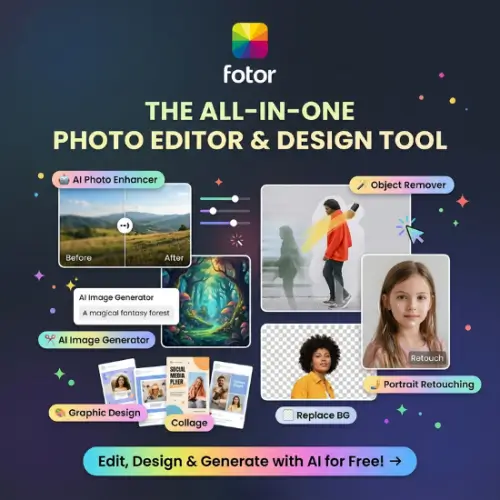
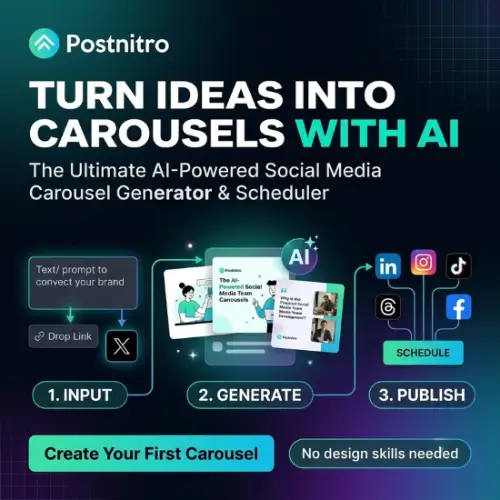
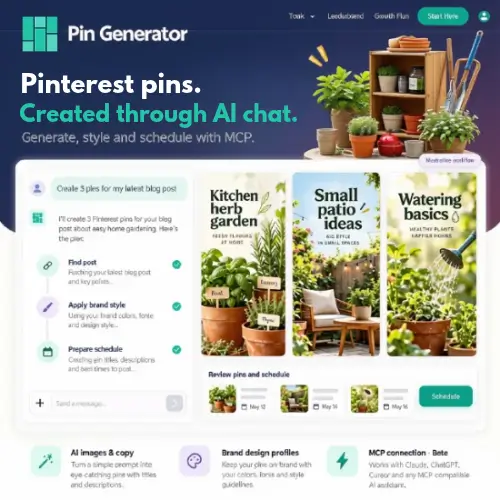
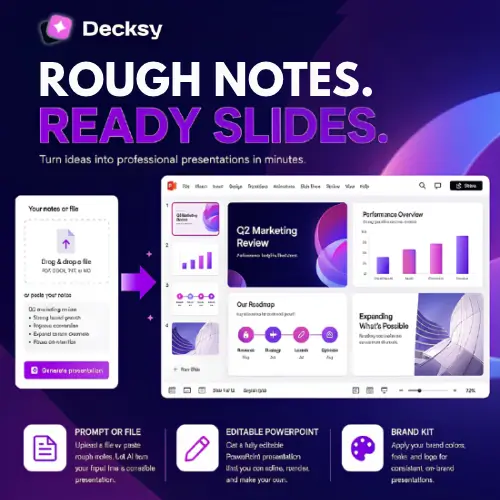


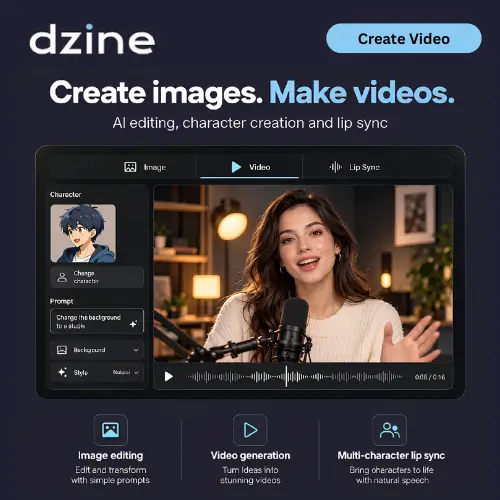

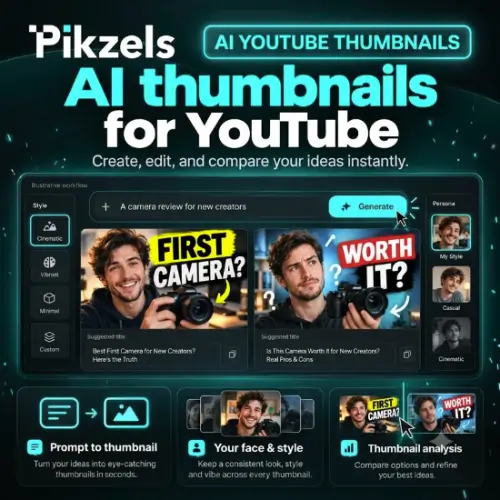
AI graphic design tools use machine learning to help you create, edit, and polish visual content with far less manual effort. Describe what you need, upload your content, or start from a template, and the AI suggests layouts, colors, fonts, and imagery that work together. Professional-looking graphics are no longer limited to people with years of design training or expensive software.
The category covers a wide range of everyday design work. Logo and brand kit tools generate marks, color palettes, and typography pairings. Social media design tools produce posts, stories, covers, and ads sized for each platform. Poster, flyer, and banner makers create print and digital promotions. Infographic and chart tools turn data into clear visuals. Others handle business cards, packaging, book and album covers, presentation graphics, one-click resizing, background removal, text effects, smart object editing, and auto-applying brand colors and fonts across every design.
Start with the type of graphics you create most often, whether that is logos, social posts, print materials, or infographics. Compare the quality and originality of AI-generated designs, not just the number of templates. Check how much control you have over editing text, colors, layers, and individual elements. Look at export options such as PNG, JPG, SVG, and PDF, along with print-ready quality, brand kit features, and team collaboration. Review integrations with tools like Figma, Canva, Adobe apps, and social platforms. Confirm commercial usage rights for templates, fonts, and stock assets. Pricing ranges from free plans with watermarks to subscriptions for teams and agencies.
Give the tool clear details about your brand, audience, style, and purpose. Start with simple layouts, limit yourself to two or three fonts and a consistent color palette, and leave plenty of white space. Generate several options, then customize your favorite so the final design feels unique to your brand.
AI-generated graphics can resemble existing work, so check logos and brand assets for originality before using or trademarking them. Review licensing terms for fonts, images, and templates, avoid copying other brands’ identities, and disclose AI use where clients or platforms expect it.
We bring together the most useful and current AI graphic design tools in one organized place. Each listing includes key features, pricing, pros and cons, and practical use cases, so you can compare quickly and choose with confidence. Whether you need a quick social graphic or a complete branding toolkit, you will find options for every skill level and budget.
Start exploring and find the AI tool that makes your visuals stand out.
