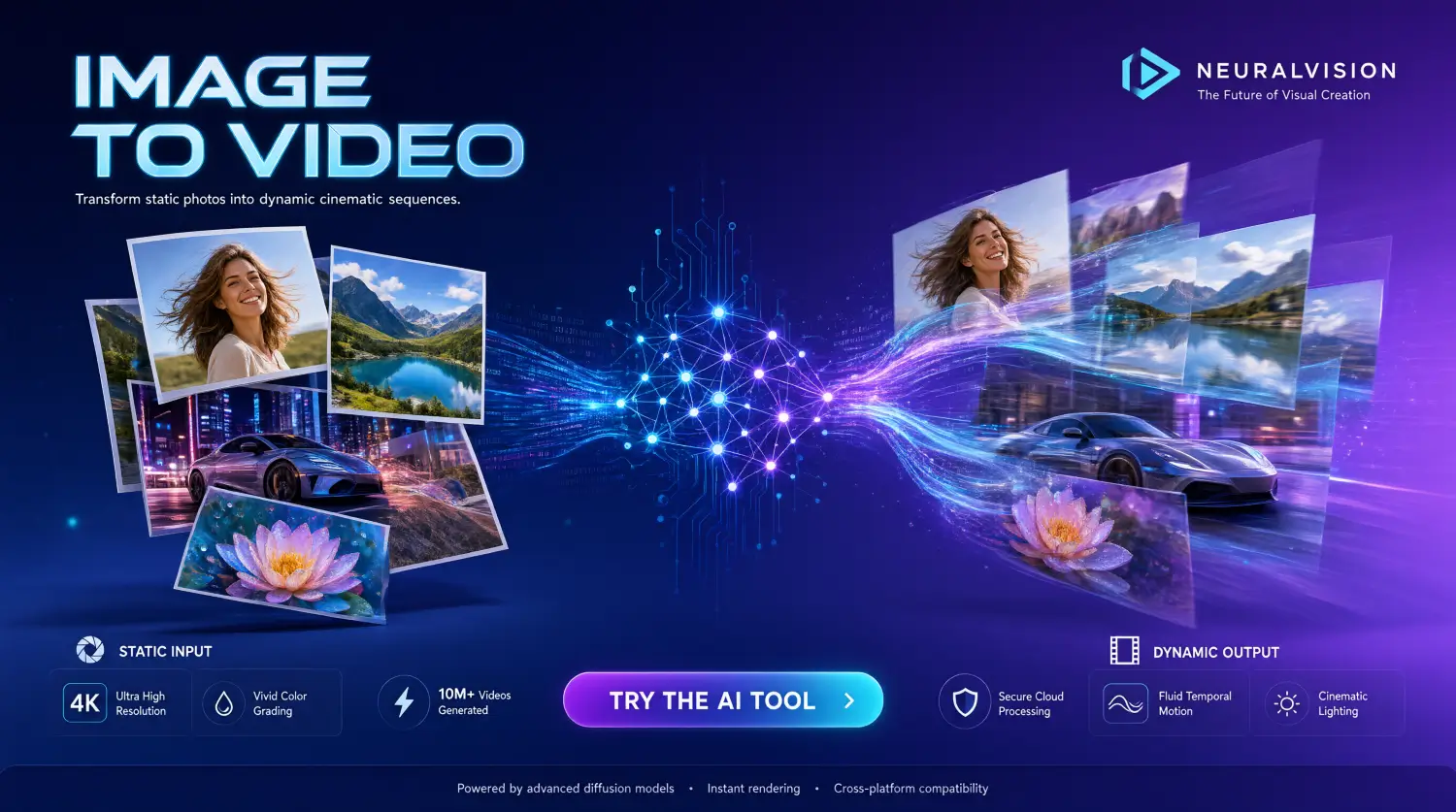
We’ve all been there. You take a stunning image, but it just sits there in your camera roll. It’s beautiful, but it’s static. What if you could make the water ripple, the clouds move, or your subject turn and smile?
A few years ago, this required expensive software and hours of manual keyframing. Today, AI has completely changed the game. Image to video AI tools can take a single still image and turn it into a high-quality, moving video in seconds. Whether you are a content creator, a marketer, or just someone who wants to make cool social media edits, these tools are incredibly fun and useful.
But with so many options out there, which one should you actually use easily?
I’ve tested dozens of Image to video platforms over the years and In this guide I’m going to walk you through the top 10 best image to video AI tools currently available, I’m also going to tell you what you need to know before you start, and break down the pricing so you can find the one that’s right for you.
What You Need to Know Before Using These Tools
Before we get to the list, let’s talk about what to expect. AI video generation is impressive, but it isn’t magic. Keep these points in mind to get the best results:
1. Your Starting Image is Everything
The AI can only work with what you give it. If your source image is blurry, poorly lit, or has weird artifacts, the video will look weird too. Start with the highest quality, cleanest image you can.
2. Guide the Motion with Prompts
Just uploading an image isn’t always enough. You usually need to tell the AI what should move. Instead of just uploading a picture of a car, type a prompt like: “Camera pans slowly to the right, wheels spinning, dust kicking up.” Simple, clear instructions work best.
3. Keep Physics Simple
AI still struggles with complex physical interactions. If you ask it to animate a person doing a complex backflip while juggling, the video will likely turn into a messy, morphing nightmare. Stick to simple, natural movements like walking, looking around, or hair blowing in the wind.
4. Aspect Ratios Matter
Make sure your starting image matches the aspect ratio you want for your final video. If you upload a square image but ask for a 16:9 widescreen video, the AI will have to guess what goes in the empty space, which often leads to weird distortions. Crop your image first!
5. It Costs Compute Power
Generating video takes a massive amount of server power. Because of this, most tools operate on a “credit” system. Free tiers are great for testing, but if you plan to make a lot of videos, you will eventually need to pay.
Top 10+ Best Image to Video AI Tools
Here is the breakdown of the best tools on the market right now, why you should use them, and what makes them special.
1. Runway (Gen-3 Alpha / Gen-4)
Runway has been the industry leader for a long time, and their latest models are incredibly powerful. They offer a web-based studio that gives you complete control over your videos.
- Why you should use it: If you need exact control over camera movement. Runway’s “Motion Brush” lets you paint over specific areas of an image (like just the water or just the clouds) and instruct the tool to animate only those selected parts.
- Best for: Professionals, filmmakers, and ad creators who need precise control.
Pros:
- Ultimate Control: The Motion Brush and camera controls give you director-level precision.
- High Resolution: Outputs are extremely sharp and ready for professional use.
- Professional Workflow: Integrates well with other editing software and provides a wide range of advanced editing options.
Cons:
- Pricey: The credit system burns fast, and the good tier plans are expensive.
- Steep Learning Curve: All those sliders and settings can overwhelm beginners.
- Strict Moderation: Very aggressive content filters that sometimes block harmless prompts.
2. Luma Dream Machine
Luma made a big splash upon its arrival and quickly became a favorite, thanks to its speed and reliability. It excels at understanding real-world physics and generating motion that feels completely natural.
- Why you should use it: It’s incredibly fast and has a very low “fail rate.” When you hit generate, you are highly likely to get a usable, beautiful clip on the very first try.
- Best for: Creators who want high-quality, realistic motion without a steep learning curve.
Pros:
- Speed: Generates high-quality clips much faster than most competitors.
- Great Physics: Excellent at understanding how objects should naturally move and interact.
- User-Friendly: Very intuitive interface; you can get a good result with minimal prompting.
Cons:
- Less Granular Control: Lacks the specific “paint-to-animate” tools found in Runway.
- Face Morphing: Can sometimes struggle to keep human faces perfectly consistent during complex movements.
- Limited Free Tier: The monthly free generations run out quickly if you are experimenting a lot.
3. Kling AI
Kling AI has taken the AI video world by storm. It is famous for generating longer videos with incredibly complex human movements.
- Why you should use it: If you need to animate people. While other tools make humans look like they are melting when they walk, Kling keeps their limbs and faces consistent. It also allows for longer video generations (up to 2 minutes in their pro tiers).
- Best for: Cinematic storytelling, music videos, and complex character animations.
Pros:
- Best for Humans: Unmatched ability to keep human limbs, faces, and walking motions looking natural.
- Longer Videos: Can generate much longer clips (up to 2 minutes) compared to the standard 4-5 seconds.
- High Consistency: The background and subject rarely warp or melt into each other.
Cons:
- Slow Generation: Rendering those longer, complex videos takes a significant amount of time.
- Credit Heavy: Longer videos eat through your monthly credits very quickly.
- Clunky UI: The interface can sometimes feel a bit disjointed or poorly translated.
4. Pika (Pika 2.x)
Pika is the creative, fun playground of the AI video world. It doesn’t just animate images; it lets you modify them in wild ways.
- Why you should use it: Pika’s “Pikaffects” feature lets you squish, melt, inflate, or explode objects in your image. They also have a fantastic lip-sync feature if you want your image characters to talk.
- Best for: Stylized content, anime, fun social media edits, and lip-syncing.
Pros:
- Fun Effects: The “Pikaffects” (squish, melt, explode) are unique and perfect for viral content.
- Lip-Syncing: One of the best built-in tools for making characters in images talk.
- Stylized Magic: Excels at animating anime, 3D renders, and artistic illustrations.
Cons:
- Lower Baseline Realism: Doesn’t quite hit the photorealistic heights of Sora or Kling.
- “Floaty” Motion: Sometimes the physics feel a bit weightless or unnatural compared to real life.
- Niche Focus: Better for fun effects than serious cinematic storytelling.
5. Sora (by OpenAI)
OpenAI’s Sora is the heavy hitter when it comes to pure realism and cinematic lighting. It understands how light interacts with the world better than almost anything else.
- Why you should use it: Unmatched visual fidelity. If you want your image to look like it was shot on a high-end cinema camera with perfect lighting and depth of field, Sora is the way to go.
- Best for: High-end cinematic shots, realistic B-roll, and dramatic storytelling.
Pros:
- Cinematic Quality: The lighting, depth of field, and camera realism are currently unmatched.
- Prompt Adherence: Understands complex, detailed text prompts better than almost any other model.
- World Simulation: Incredible at mimicking real-world physics and reflections.
Cons:
- Very Expensive: Requires a ChatGPT Plus or Pro subscription, which is a high barrier to entry.
- Slow Speeds: Generation times can be quite long due to massive server demand.
- Less Direct Control: You rely heavily on text prompts rather than direct camera/motion sliders.
6. Hailuo AI (MiniMax)
Hailuo AI is the rising star of 2026. It has gained a massive following because of its incredible consistency and ability to handle dynamic camera movements without warping the background.
- Why you should use it: It handles dynamic camera pans and zooms beautifully. If you want a “drone shot” effect over a landscape or a fast tracking shot, Hailuo keeps the image stable while moving the camera.
- Best for: Landscape animations, dynamic camera shots, and highly consistent character motion.
Pros:
- Dynamic Camera Work: Incredible at handling sweeping drone shots and fast tracking without distorting the image.
- High Consistency: Keeps the original image very stable while adding motion.
- Generous Free Access: Historically offers very good free daily credits to test the model.
Cons:
- Basic Interface: The web UI is very bare-bones and lacks advanced tweaking features.
- Prompt Specificity: Can sometimes ignore highly specific, complex instructions in your text prompt.
7. Haiper AI
Haiper is built with a very clean, user-friendly interface. It doesn’t overwhelm you with a hundred buttons and sliders.
- Why you should use it: It’s the best starting point for absolute beginners. The interface is intuitive, the results are solid, and they offer a very generous free tier to let you practice without burning through credits.
- Best for: Beginners, hobbyists, and quick social media clips.
Pros:
- Beginner Friendly: The cleanest, simplest interface on this list. Zero learning curve.
- Fast Turnaround: Great for quickly spitting out short, simple animations.
- Good Free Tier: Very forgiving with daily free credits for casual users.
Cons:
- Lower Max Resolution: Outputs aren’t quite as crisp as Runway or Sora for professional work.
- Shorter Lengths: Struggles to maintain coherence in longer video generations.
- Basic Motion: Best for simple cinemagraphs (like moving clouds or water), not complex character acting.
8. Leonardo AI (Motion)
If you are already using Leonardo AI to generate your images, their built-in “Motion” feature is a no-brainer.
- Why you should use it: Seamless workflow. You generate your image in Leonardo, and with one click, you can send it to the Motion engine. You can adjust the “motion strength” with a simple slider to control how much the image moves.
- Best for: Users already in the Leonardo ecosystem who want a quick, one-click animation solution.
Pros:
- All-in-One Workflow: Generate the image and animate it in the exact same place without switching tabs.
- Simple Motion Control: The “motion strength” slider makes it incredibly easy to dial in the exact amount of movement.
- Daily Tokens: Refreshing daily tokens mean you can practice every day for free.
Cons:
- Subtle Motion Only: It’s great for cinemagraphs, but it cannot generate complex narrative actions (like a person walking across a room).
- Not a Dedicated Video Tool: It’s an image generator with a video add-on, so it lacks deep video-specific features.
9. Kaiber
Kaiber is built specifically for musicians and visual artists. It focuses heavily on stylized, trippy, and audio-reactive animations.
- Why you should use it: You can upload a song, and Kaiber will make your image pulse, shift, and morph to the beat of the music. It’s perfect for creating visualizers.
- Best for: Music videos, audio-reactive visualizers, and highly stylized, artistic animations.
Pros:
- Audio Reactivity: The absolute best tool for making visuals that pulse and shift to the beat of a song.
- Unique Aesthetics: Incredible for trippy, stylized, and transformative animations.
- Musician Focused: Built specifically with music videos and visualizers in mind.
Cons:
- Not for Realism: Terrible if you are trying to make a realistic, live-action style video.
- Over-Morphing: If you aren’t careful with your settings, the AI will morph your image beyond recognition.
- Niche Use Case: Not very useful for standard marketing, vlogs, or traditional video editing.
10. PixVerse
PixVerse is a strong contender that offers a great balance between quality and accessibility. It has a very strong model for anime and 3D-style images.
- Why you should use it: If you are working with illustrated, comic book, or 3D rendered images, PixVerse understands those art styles better than most. It also has a very web-friendly interface and good free options.
- Best for: Anime fans, 3D artists, and illustrators.
Pros:
- Anime & 3D King: Understands and animates 2D illustrations, comic styles, and 3D renders beautifully.
- Web-Friendly: Very smooth, easy-to-use web interface.
- Solid Free Options: Good balance of free generations and affordable paid tiers.
Cons:
- Photorealism Lags: Doesn’t do real-life human faces and realistic environments as well as Luma or Kling.
- Inconsistent Physics: Sometimes struggles with how objects should interact with each other in motion.
11. Stable Video Diffusion (SVD)
SVD is an open-source model created by Stability AI. You won’t find a single “official” website for it like the others, because you can run it locally on your own PC or use it via platforms like Replicate or ComfyUI.
- Why you should use it: Total control and zero censorship. If you have a powerful gaming PC, you can run this for free forever. If you don’t, you can pay pennies per generation on cloud platforms.
- Best for: Tech-savvy users, developers, and those who want to run AI locally without subscription limits.
Pros:
- 100% Free (Locally): If you have the hardware, you never have to pay a subscription or buy credits.
- Zero Censorship: No content filters. You can generate whatever you want.
- Total Privacy: Your images and prompts never leave your own computer.
Cons:
- Hardware Requirements: You need a very powerful, expensive PC with a high-end NVIDIA GPU to run it well.
- Steep Technical Curve: Setting it up via ComfyUI or local interfaces requires technical knowledge.
- No Prompt Guidance: It only animates the image you feed it; you can’t use text prompts to guide the motion.
Pricing Comparison Table
Video generation is expensive, so knowing what you are paying for is crucial. Here is a breakdown of the standard pricing for these tools (prices are approximate and based on standard monthly billing).
| Tool Name | Free Tier / Trial | Basic / Starter Plan | Pro / Standard Plan | Unlimited / Top Tier |
|---|---|---|---|---|
| Runway | 125 one-time credits | $12 / month (600 credits) | $28 / month (2250 credits) | $76 / month (Unlimited relaxed) |
| Luma Dream Machine | 30 free generations/mo | $9.99 / month (200 gens) | $29.99 / month (1000 gens) | $99.99 / month (4000 gens) |
| Kling AI | 66 daily free credits | $8 / month (660 credits) | $22 / month (2000 credits) | $89 / month (8000 credits) |
| Pika | 150 initial credits | $8 / month (700 credits) | $28 / month (2000 credits) | $58 / month (Unlimited relaxed) |
| Sora (OpenAI) | None (Requires ChatGPT Plus) | $20 / month (ChatGPT Plus) | $200 / month (ChatGPT Pro) | N/A |
| Hailuo AI | Generous daily free credits | $9.99 / month (Standard) | $29.99 / month (Premium) | Custom enterprise pricing |
| Haiper AI | Daily free credits | $10 / month (Standard) | $25 / month (Pro) | $50 / month (Unlimited) |
| Leonardo AI | 150 daily free tokens | $10 / month (8500 tokens) | $24 / month (25000 tokens) | $48 / month (60000 tokens) |
| Kaiber | 7-day free trial | $5 / month (Explorer) | $15 / month (Creator) | $30 / month (Architect) |
| PixVerse | Daily free credits | $9.99 / month (Standard) | $29.99 / month (Pro) | $79.99 / month (Ultimate) |
| Stable Video (Local) | 100% Free (If you have the GPU) | N/A (Cloud hosting varies) | N/A | N/A |
Note: AI companies update their pricing and credit structures frequently. Always check their official websites for the most current deals.
Final Thoughts
The world of image to video AI is moving faster than ever. What took hours to render a year ago now takes seconds.
If you are just starting out, I highly recommend grabbing the free credits from Luma Dream Machine or Haiper AI to get a feel for how prompting works. If you are a professional looking for exact control, Runway is still the king of the studio environment. And if you want to make people talk or do something fun and weird, go straight to Pika.
The best way to learn is by doing. Grab a few of your favorite photos, pick a tool, and start experimenting. You might just surprise yourself with what you can create.
Happy creating!