
Discover the best AI image to video tools on ABC AI Tools. From photo animation and motion effects to talking portraits, product showcase videos, and cinematic clips, these tools bring still images to life in seconds.
Compare video quality, motion realism, clip length, and pricing side by side to find the right fit for creators, marketers, filmmakers, and everyday users. Every top AI image-to-video tool is curated in one place.
Start exploring and find the AI tool that turns your pictures into motion.
Discover the best AI image to video tools on ABC AI Tools. From photo animation and motion effects to talking portraits, product showcase videos, and cinematic clips, these tools bring still images to life in seconds.
Compare video quality, motion realism, clip length, and pricing side by side to find the right fit for creators, marketers, filmmakers, and everyday users. Every top AI image-to-video tool is curated in one place.
Start exploring and find the AI tool that turns your pictures into motion.

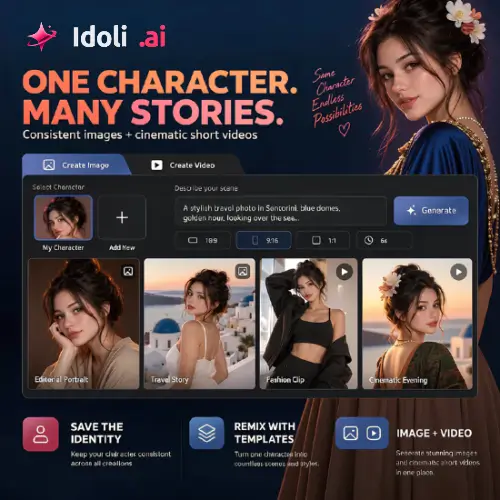
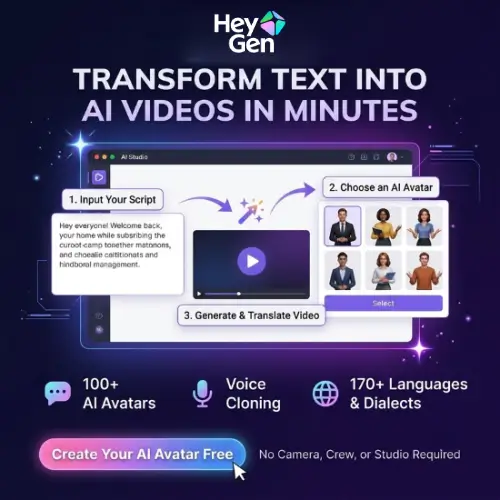




AI image to video tools use deep learning to turn a still photo or illustration into a moving clip. The AI predicts how elements in the picture should move, adding camera motion, natural animation, and realistic effects. Upload an image, add a short prompt, and you can watch a portrait blink and smile, a landscape come alive with drifting clouds, or a product rotate on screen. What once required animation skills and editing software now takes only a few clicks.
The category covers many ways to animate images. Photo animation tools add subtle motion to portraits, landscapes, and old family pictures. Talking photo tools sync a still face with speech or audio. Cinematic tools apply camera moves such as zoom, pan, and orbit to create dramatic clips. Product video tools turn catalog photos into engaging promos. Others convert AI-generated artwork and illustrations into animations, create looping social media content, extend or transition between images, add effects and styles, and build short stories from a sequence of pictures.
Start with your goal, whether that is subtle photo animation, cinematic motion, or talking portraits. Compare motion realism, consistency, and how well the tool preserves the original image without distortion. Check maximum clip length, resolution, aspect ratios, and export formats. Look at the level of control, such as motion prompts, camera settings, and start and end frame options. Review speed, credit costs, and watermark policies. Commercial usage rights are important if you plan to publish or sell the videos, so read the terms carefully. Pricing ranges from free daily credits to professional subscriptions.
Start with a high-resolution, well-composed image with a clear subject. Write short, specific motion prompts that describe what should move and how, for example a slow camera push-in or gentle wind in the hair. Generate several versions, keep clips short for better quality, and polish the result with music, captions, and editing.
Animating photos of real people raises consent and privacy concerns. Only use images you have the rights to, avoid creating misleading or deceptive videos, and never make deepfakes of others without permission. Respect copyright and disclose AI-generated content where appropriate, especially in advertising and news.
We bring together the most useful and current AI image to video tools in one organized place. Each listing includes key features, pricing, pros and cons, and practical use cases, so you can compare quickly and choose with confidence. Whether you want a free app to animate a family photo or a professional platform for branded content, you will find options for every skill level and budget.
Start exploring and find the AI tool that turns your pictures into motion.
