

Discover the best AI browser agent tools on ABC AI Tools. From autonomous web navigators and form fillers to research assistants, data scrapers, shopping helpers, and testing bots, these tools operate your browser to complete online tasks on your behalf. Compare reliability, supported browsers, control and safety features, and pricing side by side to find the right fit for professionals, developers, marketers, and teams. Every top AI browser agent is curated in one place.
Discover the best AI browser agent tools on ABC AI Tools. From autonomous web navigators and form fillers to research assistants, data scrapers, shopping helpers, and testing bots, these tools operate your browser to complete online tasks on your behalf. Compare reliability, supported browsers, control and safety features, and pricing side by side to find the right fit for professionals, developers, marketers, and teams. Every top AI browser agent is curated in one place.

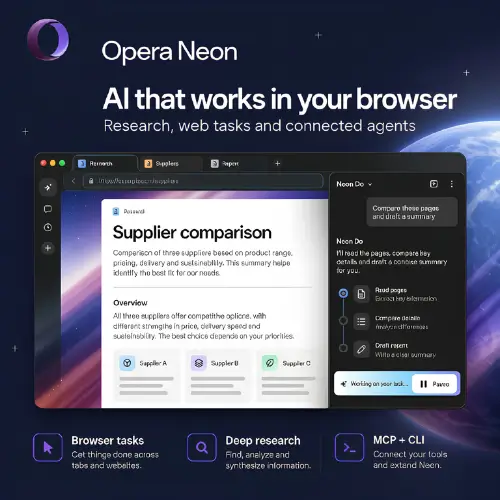

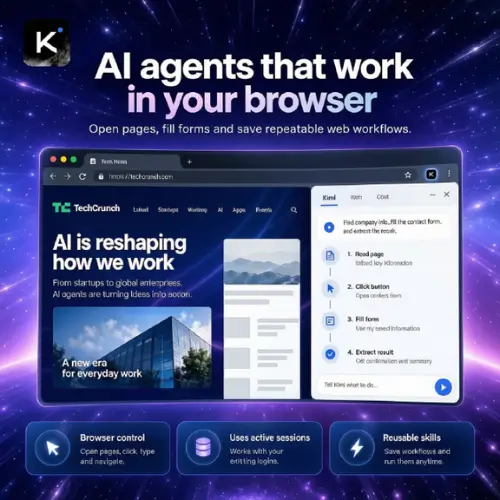
AI browser agents are tools that see and operate web pages the way a person does. Given a goal in plain English, they open sites, click buttons, type into forms, scroll, compare results, and move between tabs to get the job done. Some live as browser extensions or standalone AI browsers, while others run in the cloud or through developer APIs. Instead of doing repetitive web chores yourself, you describe the outcome and let the agent handle the steps.
The category covers many kinds of web automation. Research agents browse multiple sites, collect information, and compile summaries. Form-filling and data entry agents complete applications, bookings, and repetitive submissions. Shopping and comparison agents check prices, availability, and reviews across stores. Web scraping and data extraction agents pull structured information from pages without custom code. Lead generation and outreach agents gather contact details and prospect data. Others support QA and website testing, price and competitor monitoring, travel and reservation planning, inbox and calendar tasks inside web apps, and developer frameworks for building custom browser-driven agents.
Start with the tasks you want to delegate and how much independence you are comfortable giving the agent. Compare reliability on real websites, including pages with logins, pop-ups, and dynamic content. Check whether it runs in your own browser, a cloud browser, or both, and which browsers and operating systems are supported. Look for safety features such as step-by-step visibility, approval prompts before purchases or submissions, and the ability to pause or take over. Review integrations, API access, and scheduling options for recurring tasks. Security matters because these agents can access accounts and sensitive pages, so check permissions, credential handling, and data retention. Pricing ranges from free tiers and open source frameworks to usage-based and enterprise plans.
Give clear, specific instructions with the website, goal, and any limits, such as a budget or date range. Start with low-risk tasks like research before moving on to bookings or form submissions. Watch the first few runs, refine your prompts, and break complex jobs into smaller steps.
Browser agents can misread pages or click the wrong thing, so keep a human approval step for payments, account changes, and anything irreversible. Never give an agent more access than needed, be careful with saved passwords and logged-in sessions, and watch for malicious web pages that try to trick agents with hidden instructions. Respect website terms of service, robots rules, and privacy laws when automating browsing or collecting data.
We bring together the most useful and current AI browser agents in one organized place. Each listing includes key features, pricing, pros and cons, and practical use cases, so you can compare quickly and choose with confidence. Whether you want a simple browser assistant or a developer framework for custom web automation, you will find options for every skill level and budget.
Start exploring and find the AI browser agent that does the clicking for you.
