
Discover the best AI text to voice tools on ABC AI Tools. From text-to-speech generators and voiceover makers to audiobook narrators, multilingual voices, and natural-sounding reading apps, these tools turn written words into lifelike speech in seconds.
Compare voice quality, language support, emotion controls, licensing, and pricing side by side to find the right fit for creators, educators, marketers, developers, and businesses. Every top AI text-to-voice tool is curated in one place.
Start exploring and find the AI tool that gives your words a voice.
Discover the best AI text to voice tools on ABC AI Tools. From text-to-speech generators and voiceover makers to audiobook narrators, multilingual voices, and natural-sounding reading apps, these tools turn written words into lifelike speech in seconds.
Compare voice quality, language support, emotion controls, licensing, and pricing side by side to find the right fit for creators, educators, marketers, developers, and businesses. Every top AI text-to-voice tool is curated in one place.
Start exploring and find the AI tool that gives your words a voice.


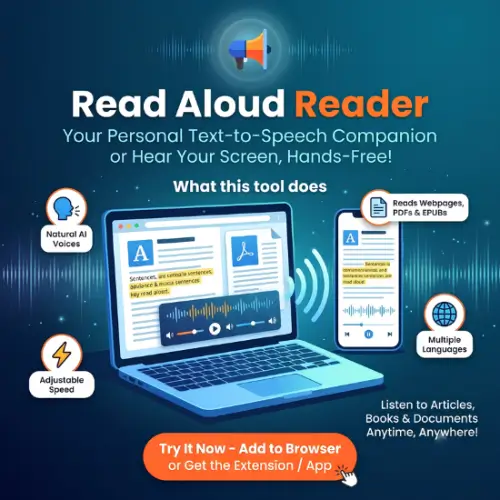
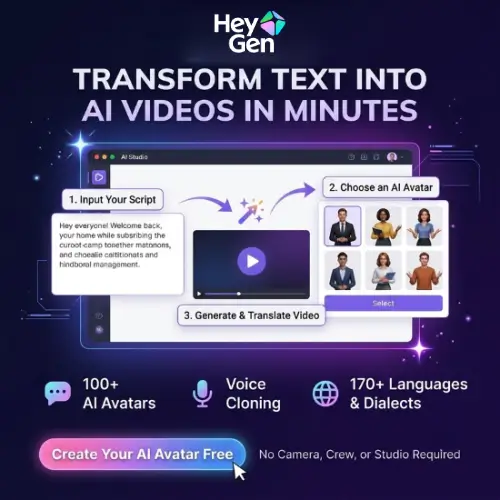


AI text to voice tools, also known as text-to-speech or TTS tools, use deep learning to convert written text into natural, human-sounding audio. Paste a script, upload a document, or connect an article, and the AI reads it aloud with realistic pacing, intonation, and emotion. What once required a recording studio, a voice actor, and hours of editing can now be produced in minutes from a browser or app.
The category covers many ways to turn text into speech. Voiceover generators create narration for videos, ads, and presentations. Audiobook and long-form narration tools read entire books and articles with consistent, expressive voices. Multilingual tools speak in dozens of languages, accents, and dialects. Reading and accessibility apps convert web pages, PDFs, and documents into audio for easier listening. Others offer voice customization for speed, pitch, pauses, and emphasis, emotion and style controls, custom brand voices, SSML support, API access for apps and chatbots, and integrations for IVR phone systems, e-learning, and game dialogue.
Start with your main use case, whether that is video voiceover, audiobooks, accessibility, or app integration. Compare how natural and expressive the voices sound, including handling of pauses, emphasis, names, and numbers. Check the number of voices, languages, and accents, plus options for custom or cloned voices. Look at controls for speed, pitch, and emotion, along with export formats, character limits, and API availability. Review commercial usage rights, especially for ads, monetized videos, and resale. Consider privacy practices if you upload confidential documents. Pricing ranges from free plans with character limits to professional subscriptions and pay-as-you-go APIs.
Write your script the way people actually speak, using short sentences and clear punctuation to guide pacing. Spell out acronyms, unusual names, and numbers phonetically when needed. Preview several voices, adjust speed and tone, and listen to the full audio before publishing. Adding light background music and editing can make the result feel more polished.
Review each tool’s terms on ownership and commercial use before publishing. Disclose AI-generated voices where appropriate, and never use a voice to impersonate a real person or mislead listeners. If you use voice cloning features, only clone voices with clear consent. Proofread scripts carefully, since AI will read errors exactly as written.
We bring together the most useful and current AI text to voice tools in one organized place. Each listing includes key features, pricing, pros and cons, and practical use cases, so you can compare quickly and choose with confidence. Whether you need a free reader for personal use or a professional voiceover platform, you will find options for every skill level and budget.
Start exploring and find the AI tool that gives your words a voice.
