Creating videos for YouTube, Instagram, and TikTok takes time. However, you don’t always need to record new videos to stay active on these platforms. You can take your existing long videos and turn them into multiple short videos using artificial intelligence.
AI video repurposing tools make this process much easier. They can analyze long videos, find interesting moments, create short clips, add subtitles, adjust the video to a vertical format, and sometimes even suggest catchy titles.
For example, a 60-minute podcast can contain several interesting discussions. Instead of manually watching the entire recording and editing every clip, you can upload it to an AI video clipping tool and let the software identify potential highlights.
These tools are useful for YouTubers, podcasters, online educators, coaches, businesses, and social media managers.
In this guide, we will explore some of the best AI tools for turning long videos into Shorts, Reels, and TikTok videos. We will compare their features, pricing, advantages, disadvantages, and limitations so you can choose the right platform for your needs.
Quick Comparison: Best AI Tools to Turn Long Videos into Shorts
| AI Tool | Best For | Starting Price |
|---|---|---|
| OpusClip | Overall video repurposing | Free / $15 per month |
| Vizard AI | Editing and repurposing videos | Free / $29 per month |
| Klap | Automatic short video creation | Check current plans |
| 2short.ai | YouTube video to Shorts | Free / $9.90 per month |
| Submagic | Captions and professional editing | Check current plans |
| Descript | Transcript-based video editing | Check current plans |
| CapCut | Manual editing and final polishing | Free / Pro pricing varies |
Prices are indicative USD prices based on publicly available plan information checked in November 2026. Annual billing, regional pricing, taxes, credits, and promotional offers may change the final cost. Always check the official pricing page before purchasing.
1. OpusClip – Best Overall AI Video Clipping Tool
Visit OpusClip Official Website >>
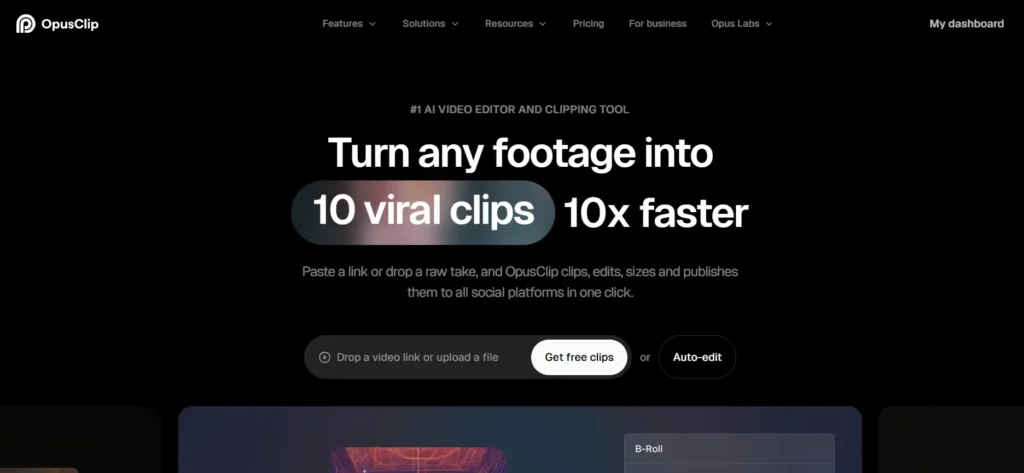
OpusClip is one of the most popular AI tools for converting long videos into short-form content. It is designed for creators who regularly publish videos on YouTube Shorts, Instagram Reels, and TikTok.
The platform uses AI to analyze uploaded videos and identify interesting moments that could work as individual short videos. Instead of manually searching through hours of recordings, you can let OpusClip suggest potential clips.
One of its useful features is the AI-powered Virality Score, which helps creators evaluate the potential of different clips. It also provides automatic captions and adjusts the video layout to fit vertical screens.
Main Features
- AI Clip Generation: Automatically identifies interesting moments in long videos and creates short clips.
- Virality Score: Gives clips a score to help you evaluate which moments might perform better.
- Automatic Captions: Generates subtitles to make videos easier to understand.
- AI Reframing: Adjusts the video to vertical formats while keeping important subjects visible.
- Filler Word Removal: Helps remove unnecessary words and pauses.
- Social Media Publishing: Supports downloading and publishing clips to supported social platforms.
- Video Editing: Allows you to make changes before exporting your final clips.
Pricing
| Plan | Price | Main Benefits |
|---|---|---|
| Free | $0 | Limited monthly credits and watermarked exports |
| Starter | $15/month | 150 credits, AI clipping, captions, editing and watermark removal |
| Pro | $29/month | 300 credits, team features and additional integrations |
| Business | Custom | Advanced features and business requirements |
Annual billing offers discounted rates on eligible plans. Check the official website for current limits and billing conditions.
Pros
- Automatically finds interesting moments in long videos.
- Easy-to-use interface for beginners.
- Helpful AI captions and vertical reframing.
- Virality Score helps with clip selection.
- Useful publishing and workflow features.
Cons
- Free exports include limitations and a watermark.
- Monthly credits can be restrictive for high-volume creators.
- AI-selected clips still need human review.
- Some advanced features require more expensive plans.
Why Choose OpusClip?
OpusClip is a strong choice if you want an automated video repurposing workflow. It combines clip selection, subtitles, reframing, and publishing features in one platform.
It is particularly useful for podcasters, interview channels, and creators who regularly produce long-form videos.
Best For: YouTubers, podcasters, content creators, and marketing teams.
Our Verdict: If you want one platform to handle most of the long-video-to-short-video process, OpusClip is a good starting point.
Visit OpusClip Official Website >>
Check Full Review of OpusClip >>
2. Vizard AI – Best for Video Repurposing and Editing
Visit Vizard AI Official Website >>
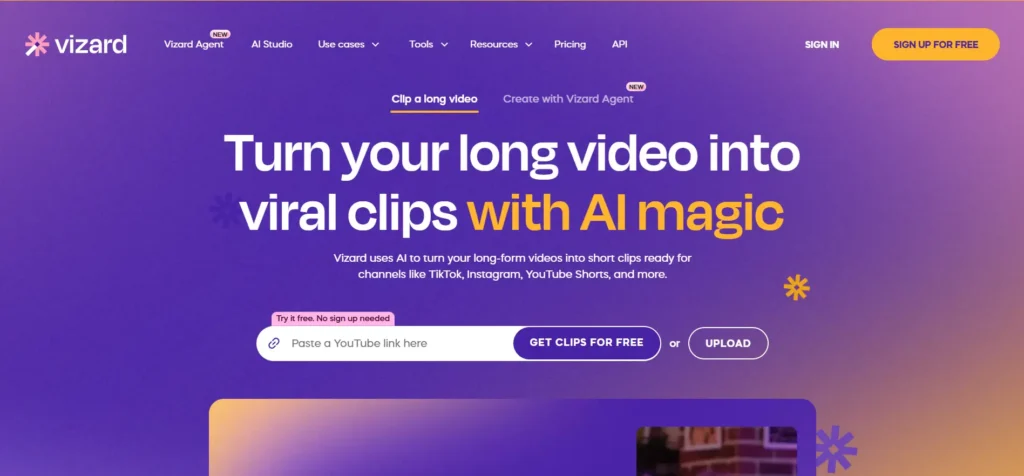
Vizard AI is another useful platform for converting long videos into short clips. It is designed to help creators reuse existing content without spending hours on manual editing.
You can upload a video or use supported video import options. The platform analyzes the content and generates multiple short clips based on the conversations and important moments.
One advantage of Vizard is that it offers more than automatic clipping. It also provides an editor that lets you adjust the generated clips before downloading them.
This makes it suitable for people who want AI assistance but still prefer to control the final result.
Main Features
- AI Video Clipping: Finds interesting sections and converts them into short videos.
- Automatic Subtitles: Adds captions to videos using speech recognition.
- Smart Reframing: Changes horizontal videos into vertical formats.
- AI Editing: Helps modify and improve automatically generated clips.
- Social Media Formats: Creates content suitable for platforms such as YouTube Shorts and Instagram Reels.
- Team Collaboration: Offers features for collaborative content workflows on supported plans.
- Video Templates: Helps create more consistent short-form videos.
Pricing
| Plan | Price | Main Benefits |
|---|---|---|
| Free | $0 | Limited monthly credits and watermarked exports |
| Creator | $29/month | More processing credits and advanced editing |
| Business | $39/month | Additional collaboration and business features |
Annual subscriptions may offer lower effective monthly prices. Check the official website for current credit limits and export restrictions.
Pros
- Simple video repurposing workflow.
- Useful automatic captions.
- Offers editing after AI clip generation.
- Supports multiple social media formats.
- Suitable for individual creators and teams.
Cons
- Free plan has export limitations.
- Processing credits can run out.
- AI may select clips that need additional editing.
- Some features are restricted to paid plans.
Why Choose Vizard AI?
Vizard is a good option if you want more control over your short videos after AI generates them.
Unlike tools that focus mainly on automatic clipping, Vizard also provides editing capabilities to help you improve the final content.
Best For: Content creators, marketing agencies, educators, and businesses.
Our Verdict: Choose Vizard if you want a combination of automatic video clipping and an editing workspace.
Visit Vizard AI Official Website >>
3. Klap – Best for Automatically Creating Social Media Clips
Visit Klap Official Website >>
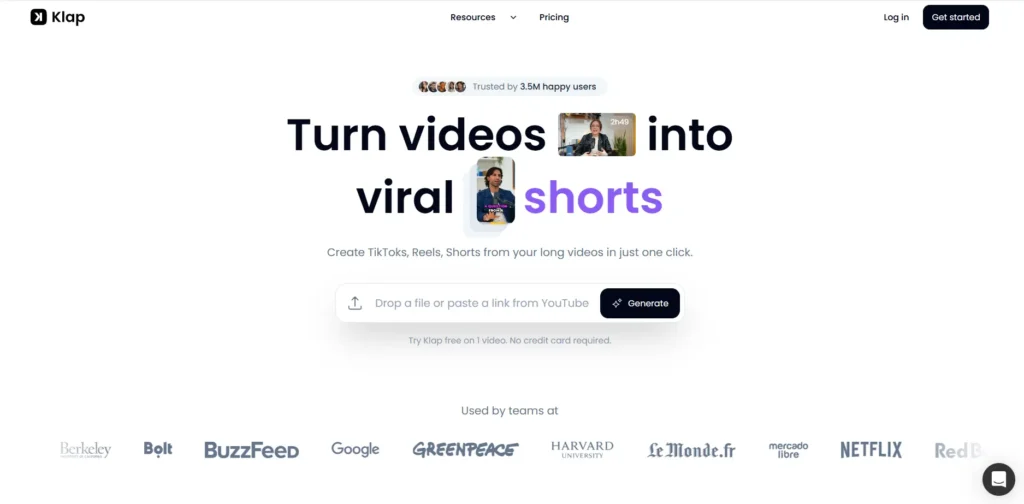
Klap is an AI-powered video repurposing platform that helps transform long videos into short, engaging content.
The platform is particularly useful for creators who publish interviews, podcasts, educational videos, and talking-head content.
You can provide a video link or upload supported content. Klap analyzes the recording and identifies sections that can be converted into shorter videos.
It also uses AI to adjust the framing so that the main speaker remains visible in the vertical video.
Main Features
- Automatic Clip Selection: Finds interesting moments from longer recordings.
- AI Face Tracking: Keeps the speaker or important subject in focus.
- Automatic Captions: Adds subtitles to short videos.
- Vertical Video Conversion: Converts landscape videos into vertical formats.
- Clip Customization: Allows you to edit the generated videos.
- Social Media Optimization: Helps prepare clips for TikTok, Instagram Reels, and YouTube Shorts.
- Multiple Clip Generation: Creates several short videos from a single recording, depending on the plan.
Pricing
Klap offers different subscription levels based on the number of clips and available features. Its pricing and billing options can change, so check the official website before subscribing.
| Plan | Pricing |
|---|---|
| Free / Trial | Limited testing, subject to current offer |
| Basic | Check official pricing |
| Pro | Check official pricing |
| Pro+ | Check official pricing |
Pros
- Simple long-video-to-short-video workflow.
- Useful automatic speaker tracking.
- Generates multiple clips from longer recordings.
- Suitable for social media creators.
- Reduces the need for manual editing.
Cons
- Subscription limits may restrict the number of clips.
- AI-selected moments may not always be suitable.
- Less suitable for complex professional editing.
- Advanced features may require higher-tier plans.
Why Choose Klap?
Klap is worth considering if your primary goal is to convert existing videos into social media clips.
Its automated reframing and clipping features can save time, especially when working with interviews and talking-head videos.
Best For: Podcasters, YouTubers, coaches, and creators who publish regular video content.
Our Verdict: Klap is a useful option if you want to generate short videos quickly without learning complicated editing software.
Visit Klap Official Website >>
Check Full Review of Klap AI >>
4. 2short.ai – Best for Turning YouTube Videos into Shorts
Visit 2Short AI Official Website >>
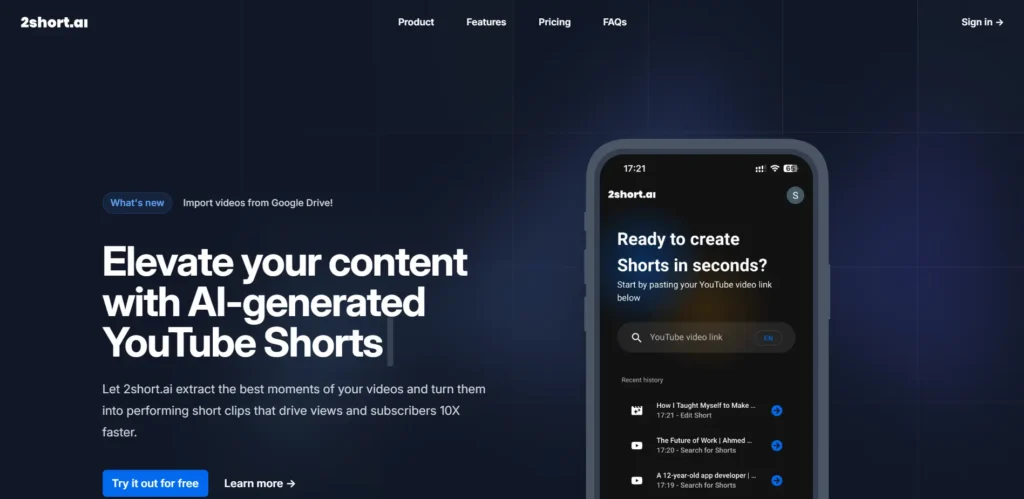
2short.ai is designed specifically for converting long-form videos into short videos.
It is especially useful for YouTube creators who already have a library of long videos and want to reuse that content on other social media platforms.
Instead of watching the complete video and manually selecting interesting sections, you can use AI to identify potential highlights.
The platform can help create short clips from interviews, podcasts, educational videos, and other content where spoken words play an important role.
Main Features
- AI Video Analysis: Analyzes longer recordings to identify useful sections.
- Automatic Clip Creation: Converts selected moments into short videos.
- Face Tracking: Keeps the main speaker visible when converting to vertical video.
- Animated Subtitles: Adds captions to improve accessibility and engagement.
- Multiple Aspect Ratios: Helps prepare videos for different social platforms.
- Fast Exports: Provides server-side export options on eligible plans.
- YouTube Content Repurposing: Makes it easier to reuse existing YouTube videos.
Pricing
2short.ai offers a free plan and several paid subscriptions.
| Plan | Price | Main Benefits |
|---|---|---|
| Starter | Free | 30 minutes of AI video analysis per month |
| Lite | $9.90/month | 5 hours of analysis and 60 minutes of fast exports |
| Pro | $19.90/month | 15 hours of analysis and unlimited fast exports |
| Premium | $49.90/month | 50 hours of analysis and priority support |
Pros
- Affordable entry-level paid plan.
- Specifically designed for video repurposing.
- Useful for YouTube creators.
- Automatic subtitles and face tracking.
- Free plan available for testing.
Cons
- AI analysis time is limited by the subscription.
- Not designed to replace a complete professional video editor.
- Results depend on the quality of the original recording.
- Some import and export options depend on the plan.
Why Choose 2short.ai?
The biggest advantage of 2short.ai is its straightforward purpose. It focuses on finding useful moments in existing videos and converting them into short-form content.
It can be a practical choice for creators who primarily work with YouTube videos and don’t need a complicated editing platform.
Best For: YouTube creators, educational channels, podcasters, and beginners.
Our Verdict: If you are looking for an affordable tool specifically for turning longer videos into Shorts, 2short.ai deserves a place on your shortlist.
Visit 2Short AI Official Website >>
5. Submagic – Best for Captions and Professional-Looking Shorts
Visit Submagic Official Website >>
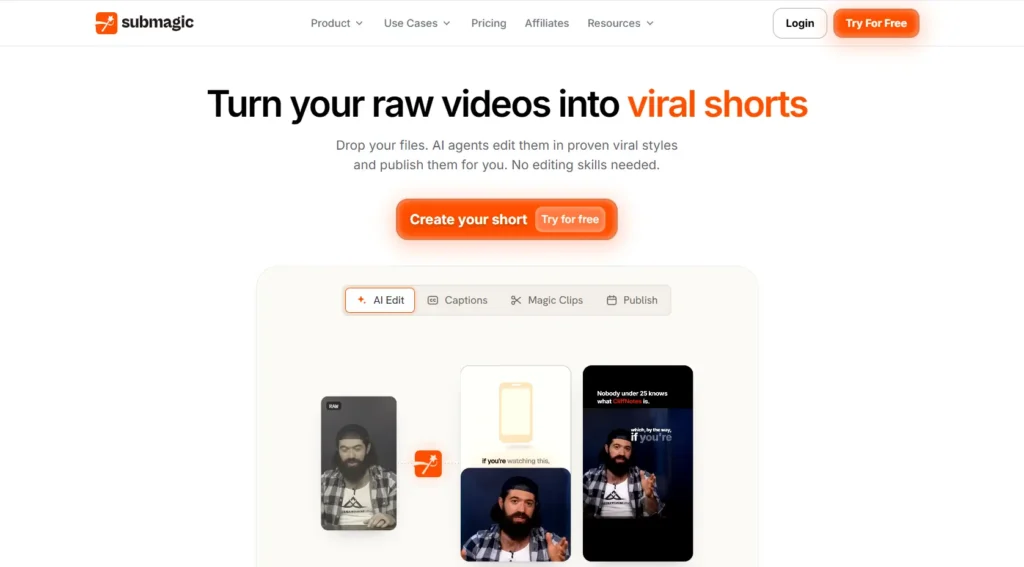
Submagic is an AI video editing platform focused on making short-form videos more engaging and visually appealing.
It is particularly useful for creators who want attractive animated captions, automatic editing effects, and professional-looking social media clips.
Unlike dedicated long-video clipping platforms, Submagic is especially strong when it comes to polishing short videos. Its Magic Clips feature can also help extract clips from longer content, subject to the applicable subscription and add-on limits.
You can use it to improve clips created by other AI tools or prepare short videos for social media.
Main Features
- Automatic Captions: Generates subtitles with attractive styles.
- Animated Subtitles: Highlights spoken words to make captions more engaging.
- AI Editing: Helps improve the overall presentation of videos.
- B-Roll: Adds supporting visual content where supported.
- AI Zoom Effects: Adds visual movement to short videos.
- Magic Clips: Helps extract short clips from longer recordings on eligible plans.
- Social Media Formatting: Prepares videos for vertical platforms.
Pricing
Submagic offers different subscription plans. Its Magic Clips functionality and usage limits may have separate requirements.
| Plan | Price |
|---|---|
| Free / Trial | Check current availability |
| Starter | Check official pricing |
| Pro | Check official pricing |
| Business | Check official pricing |
The pricing page should be checked for the latest subscription cost, video limits, and Magic Clips availability.
Pros
- Attractive animated captions.
- Useful editing and visual effects.
- Helps make talking-head videos look professional.
- Easy to use for short-form content.
- Suitable for creators and marketing teams.
Cons
- Not primarily a long-form video editing platform.
- Some advanced features may increase subscription costs.
- Automated effects may not suit every content style.
- Long-video clipping availability depends on the plan.
Why Choose Submagic?
Submagic is a good option if presentation matters to you.
For example, if you create educational videos, motivational content, or talking-head Shorts, attractive captions and visual effects can help make your clips easier to follow.
Best For: Influencers, personal brands, social media managers, and short-form video editors.
Our Verdict: Choose Submagic if you want to focus on captions and visual quality rather than relying only on automatic clip selection.
Visit Submagic Official Website >>
6. Descript – Best for Transcript-Based Video Editing
Visit Descript Official Website >>
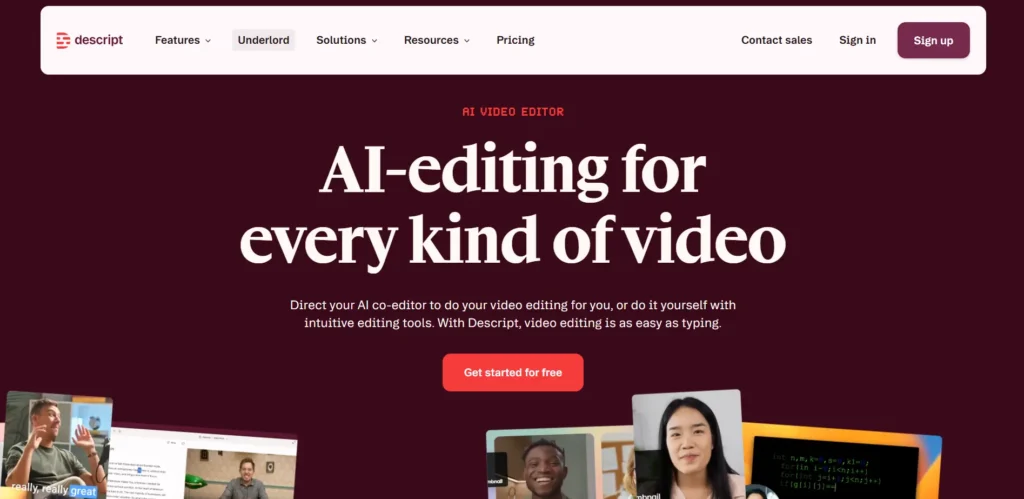
Descript takes a different approach to video editing. Instead of relying only on a traditional editing timeline, it allows you to edit recordings through their transcripts.
This means you can edit spoken content by working with the text.
For example, if you record a one-hour podcast, Descript can transcribe the recording. You can then find useful sections, remove unwanted words, and create shorter videos from the original content.
This approach is particularly helpful for interview-based content, tutorials, podcasts, and educational videos.
Main Features
- Text-Based Editing: Edit video and audio by editing the transcript.
- Automatic Transcription: Converts speech into editable text.
- AI Clip Creation: Helps identify and create short clips from longer recordings.
- Filler Word Removal: Removes unnecessary words and pauses.
- Captions: Generates subtitles for video content.
- Audio Enhancement: Helps improve voice recordings.
- Multitrack Editing: Provides additional control over video and audio.
Pricing
Descript offers different plans with varying transcription, media, and AI usage limits.
| Plan | Price |
|---|---|
| Free | Free plan with usage restrictions |
| Hobbyist | Check official pricing |
| Creator | Check official pricing |
| Business | Check official pricing |
Pricing can vary according to monthly or annual billing and the available usage allowance.
Pros
- Powerful transcript-based editing.
- Useful for podcast and interview content.
- Helps remove unwanted speech.
- Offers more editing control than simple clipping tools.
- Useful for both long-form and short-form content.
Cons
- Takes some time to learn.
- Not as simple as one-click clipping platforms.
- AI and transcription usage may have limits.
- Some advanced features require paid subscriptions.
Why Choose Descript?
Descript is different because it combines video editing with text-based editing.
If you frequently record podcasts, interviews, tutorials, or educational videos, this approach can make finding and editing important sections much easier.
Best For: Podcasters, educators, professional creators, and interview channels.
Our Verdict: Descript is a strong choice if you want more control over your recordings instead of depending entirely on automated clipping.
Visit Descript Official Website >>
Check Full Review of Descript >>
7. CapCut – Best for Free and Manual Short Video Editing
Visit CapCut Official Website >>
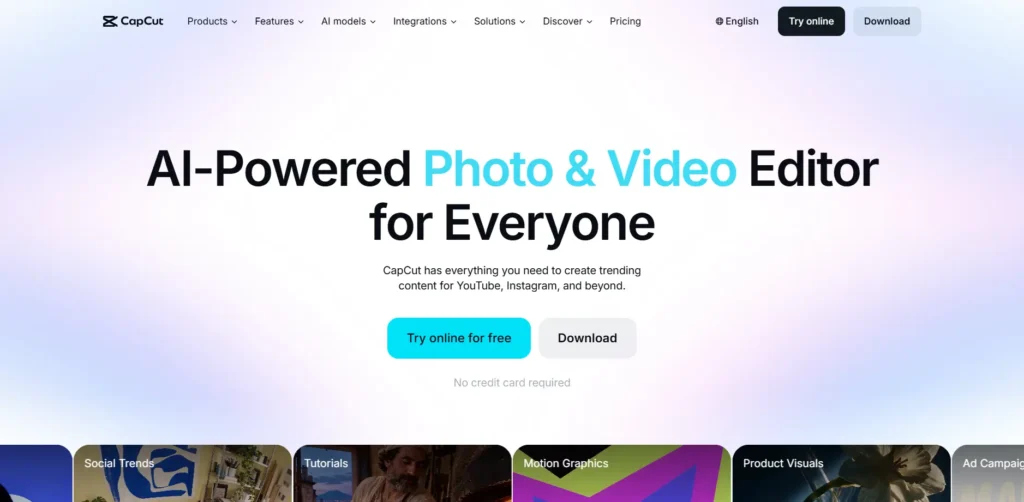
CapCut is a popular video editing platform that offers a combination of traditional editing and AI-powered features.
Unlike tools that automatically analyze an entire long video and generate multiple clips, CapCut is more of an all-purpose video editor.
You can import your recordings, select the important sections, resize the video, add captions, include effects, and create content for different social media platforms.
Its editing flexibility makes it useful for people who want to customize their videos instead of accepting every AI-generated result.
Main Features
- Auto Captions: Generates subtitles automatically.
- Video Resizing: Changes the format for vertical social media videos.
- AI Editing Features: Provides various AI-assisted editing tools.
- Background Removal: Removes video backgrounds in supported workflows.
- Effects and Transitions: Offers creative editing options.
- Templates: Provides ready-made video designs.
- Audio Editing: Helps adjust music, voiceovers, and sound effects.
Pricing
| Plan | Price |
|---|---|
| Free | $0 |
| Pro | Varies by country, device, and billing option |
Some features and editing resources are available for free, while premium effects and AI capabilities may require a subscription.
Pros
- Beginner-friendly editing interface.
- Useful free editing features.
- Large collection of effects and templates.
- Automatic captions.
- Good for customizing short videos.
Cons
- Not primarily an automatic long-video clipping tool.
- You may need to select and edit clips manually.
- Some features require a Pro subscription.
- Feature availability can vary by region and device.
Why Choose CapCut?
CapCut is a good option if you prefer to control how your final video looks.
For example, you can use an AI clipping tool to find interesting moments and then import those clips into CapCut for additional editing.
Best For: Beginners, YouTubers, Instagram creators, and people who enjoy manual editing.
Our Verdict: If you want an affordable and flexible editing solution, CapCut is worth considering. However, for completely automated long-video repurposing, dedicated AI clipping tools may be more convenient.
Visit CapCut Official Website >>
Which AI Video Repurposing Tool Should You Choose?
Every platform has different strengths. The right choice depends on your video content, budget, and editing requirements.
Here are our recommendations:
| Your Requirement | Recommended Tool |
|---|---|
| Best overall AI clipping | OpusClip |
| AI clipping with editing | Vizard AI |
| Automatic social media clips | Klap |
| Affordable YouTube-to-Shorts conversion | 2short.ai |
| Professional captions and effects | Submagic |
| Podcast and transcript editing | Descript |
| Free and flexible manual editing | CapCut |
If you are a beginner, start with a free plan and test the results before purchasing a subscription.
How to Turn a Long Video into Multiple Shorts Using AI
Most AI video clipping tools follow a similar process. You don’t need professional editing knowledge to get started. Here is a simple step-by-step guide:
Step 1: Choose Your Long Video
First, select a long video that you want to repurpose. It could be:
- A YouTube video.
- A podcast recording.
- An online interview.
- An educational tutorial.
- A webinar.
- A product demonstration.
- A recorded presentation.
Choose a video that contains useful information, interesting conversations, or engaging moments.
Step 2: Select an AI Video Clipping Tool
Visit a platform such as OpusClip, Vizard, Klap, or 2short.ai.
Create an account if required and select the video import option supported by the platform.
Step 3: Upload or Import Your Video
Upload the original video or provide a supported video link. Some tools also support cloud storage integrations.
The platform will process the recording and analyze its content.
Step 4: Let AI Find Interesting Moments
Once processing is complete, the software may generate several short clips. Depending on the platform, it may identify:
- Interesting statements.
- Important educational points.
- Funny moments.
- Strong opinions.
- Questions and answers.
- Useful tips.
- Emotional or engaging conversations.
Review the suggested clips instead of accepting every result.
Step 5: Edit the Generated Clips
Check the beginning and ending of every clip.
Make sure the video starts with an interesting moment and ends naturally. You can also:
- Correct subtitle mistakes.
- Adjust the vertical framing.
- Remove unnecessary pauses.
- Add your logo.
- Improve the audio.
- Change the caption style.
Step 6: Export and Publish
Export your finished videos in a suitable vertical format. For most short-form social media content, a 9:16 aspect ratio and 1080 × 1920 resolution are useful targets.
You can then publish the clips on YouTube Shorts, Instagram Reels, and TikTok, depending on the platform’s current upload requirements.
What Should You Look for Before Buying an AI Video Clipping Tool?
Not every AI video repurposing platform offers the same features. Some are designed for automatic clipping, while others focus on captions, editing, or social media publishing.
Before purchasing a subscription, consider the following factors.
1. AI Clip Selection Quality
This is one of the most important features. A good platform should identify meaningful moments instead of simply cutting a long recording into random sections.
Look for tools that understand conversations, topics, and context.
2. Video Length and Processing Limits
Check the maximum supported video length and file size. Also check how many minutes of video you can process every month.
A tool may appear inexpensive but become costly if it allows only a small amount of processing.
3. Automatic Captions
Captions are important because many people watch short videos without sound. Look for accurate speech recognition, customizable caption styles, and support for the languages you use.
If you create Hindi or multilingual content, test the transcription quality before purchasing.
4. AI Face Tracking and Reframing
Horizontal videos usually need to be converted into vertical videos. The AI should keep the speaker or important subject visible.
This is particularly important for podcasts, interviews, and videos containing multiple people.
5. Watermark Restrictions
Some free plans add a watermark to exported videos.
If you want to publish content professionally, check whether watermark-free exports are available and which subscription includes them.
6. Export Quality
Check the supported resolution and video formats.
For most creators, 1080p export is a useful minimum target. If you need higher-quality output, check whether 4K export is available.
7. Social Media Integration
Some platforms let you publish or schedule videos directly. This can save time if you manage multiple social media accounts.
Check whether your preferred platforms are supported and whether publishing is included in your plan.
8. Commercial Usage Rights
If you create videos for clients or businesses, review the platform’s terms regarding commercial usage.
Also make sure you have permission to repurpose the original video and any music, footage, or other copyrighted material included in it.
9. Monthly Credits and Subscription Limits
Do not compare subscriptions only by their monthly price. Some tools charge according to the duration of the original video, while others charge according to the number of clips generated.
Understand the billing system before purchasing.
10. Privacy and Data Security
If you upload private interviews, business meetings, client recordings, or confidential material, review the platform’s privacy policy.
Check how uploaded videos are stored, whether they are used for AI training, how long they are retained, and whether you can request deletion.
Are AI Video Clipping Tools Worth Paying For?
Yes, they can be worth paying for if you regularly create long-form videos and want to publish more short-form content.
Consider a creator who publishes four one-hour podcasts every month.
Manually watching the recordings, finding interesting moments, editing them, adding subtitles, and resizing every clip can take several hours.
An AI clipping tool can automate much of this process.
However, AI-generated videos are not always ready to publish. Some clips may lack context, start too slowly, contain subtitle mistakes, or end at an awkward moment.
The best approach is to let AI handle repetitive editing tasks while you focus on selecting and improving the final clips.
If you only create one or two videos occasionally, a free editing platform may be enough.
Benefits of Using AI to Turn Long Videos into Shorts
Here are some important advantages of using AI video repurposing software.
1. Saves Time: You don’t need to watch an entire recording to find every interesting moment manually.
2. Creates More Content: A single long video can provide multiple opportunities for short-form content.
3. Reduces Editing Work: AI can automate captions, reframing, and some editing tasks.
4. Supports Multiple Platforms: You can reuse content across YouTube Shorts, Instagram Reels, and TikTok.
5. Helps Maintain Consistency: Creators can prepare multiple clips from existing recordings.
6. Beginner-Friendly: Many platforms do not require professional video editing knowledge.
7. Makes Existing Content More Valuable: You can reach audiences who prefer short videos without recording completely new content every time.
Limitations of AI Video Repurposing Tools
Although these platforms are helpful, they also have some limitations.
- AI may select uninteresting or incomplete moments.
- Automatic subtitles can contain spelling and grammar mistakes.
- Face tracking may not work perfectly in every recording.
- Some tools struggle with multiple speakers.
- Background music and sound quality may require manual adjustments.
- Free plans usually have processing or export restrictions.
- AI cannot guarantee that a video will go viral.
Always review your clips before publishing them.
Final Verdict: Which AI Video Repurposing Tool Is Best?
AI video repurposing software can make content creation much easier. Instead of recording a new video every day, you can reuse your existing podcasts, tutorials, interviews, and long YouTube videos to create multiple short-form videos.
Our recommendations are:
- OpusClip: Best overall for automated clipping and publishing.
- Vizard AI: Best for combining AI clipping with editing.
- Klap: Best for automated social media clip creation.
- 2short.ai: Best for budget-friendly YouTube video repurposing.
- Submagic: Best for attractive captions and visual effects.
- Descript: Best for podcast and transcript-based editing.
- CapCut: Best for flexible manual editing.
If you are new to AI video editing, start with a free plan and test a few different tools using the same video. Compare the quality of the selected moments, captions, reframing, and exported clips.
Once you find a platform that saves you enough time and produces good results, you can consider upgrading to a paid subscription.
The biggest advantage is simple: Create more content from the videos you already have, without starting every video from scratch.
Frequently Asked Questions (FAQs)
1. What is the best AI tool for turning long videos into Shorts?
OpusClip is a strong overall choice because it offers AI clip selection, automatic captions, vertical reframing, and publishing features. Vizard, Klap, and 2short.ai are also worth considering depending on your requirements.
2. Can AI automatically turn a one-hour video into multiple Shorts?
Yes. Many AI video clipping platforms can analyze a one-hour recording and identify several interesting sections. The number of clips depends on the platform, subscription, video content, and processing limits.
3. Are there free AI tools to convert long videos into short videos?
Yes. OpusClip, Vizard, 2short.ai, and CapCut offer free access or free plans with different limitations. These may include watermarks, processing credits, storage limits, or restricted export options.
4. Can I convert YouTube videos into Instagram Reels?
Yes. You can repurpose videos that you own or have permission to use. Many AI clipping platforms can convert supported YouTube content into vertical videos suitable for Instagram Reels.
5. Can AI add subtitles automatically?
Yes. Most popular video repurposing platforms offer automatic subtitles. Some also provide animated captions, word highlighting, and customizable text styles.
6. Which AI video clipping tool is best for podcasts?
OpusClip, Vizard, Klap, and Descript are useful options for podcast creators. They can help identify interesting discussions and create shorter clips from longer recordings.
7. Do AI-generated Shorts need manual editing?
Not always, but manual review is recommended. You should check captions, video framing, audio quality, and whether the selected clip makes sense without watching the original recording.
8. Can I use these tools for commercial videos?
Commercial usage depends on the platform’s terms, your subscription, and the rights to the original content. Always review the licensing conditions before using generated clips for client projects or advertisements.
9. What is the best video format for YouTube Shorts and Instagram Reels?
A vertical 9:16 aspect ratio is commonly used. A resolution of 1080 × 1920 pixels is a good target for high-quality short-form videos.
10. Will AI video clipping tools help my Shorts go viral?
They can help you find interesting moments and improve the presentation of your videos, but no tool can guarantee viral views. Content quality, audience interest, storytelling, timing, and consistency also matter.