

Discover the best AI humanizer tools on ABC AI Tools. From text rewriters and paraphrasers to tone refiners, readability editors, and tools that make AI-assisted drafts sound natural and personal, these apps help you polish content and reduce false AI-detection flags on your own writing.
Compare output quality, meaning preservation, language support, and pricing side by side to find the right fit for writers, marketers, students, and professionals.
Start exploring and find the AI tool that helps your writing sound like you.
Discover the best AI humanizer tools on ABC AI Tools. From text rewriters and paraphrasers to tone refiners, readability editors, and tools that make AI-assisted drafts sound natural and personal, these apps help you polish content and reduce false AI-detection flags on your own writing.
Compare output quality, meaning preservation, language support, and pricing side by side to find the right fit for writers, marketers, students, and professionals.
Start exploring and find the AI tool that helps your writing sound like you.
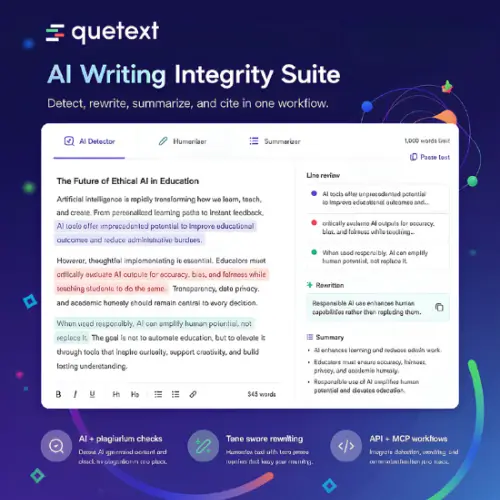

AI humanizer tools rewrite text so it reads more naturally, with varied sentence structure, a more personal tone, and fewer of the stiff, repetitive patterns common in raw AI drafts. They are built on paraphrasing and language models, and many include built-in detector checks so you can see how your text is likely to be scored. Used well, they turn a generic first draft into writing that sounds like a real person wrote it.
The category covers several kinds of text improvement. Humanizers and rewriters rephrase AI-assisted drafts into smoother, more conversational language. Paraphrasing tools reword text while keeping its meaning. Tone and style tools adjust writing to be casual, formal, friendly, or persuasive. Readability editors simplify long or awkward sentences. Others offer built-in AI detector scoring, grammar and clarity checks, plagiarism scans, multi-language support, bulk processing, and browser or Google Docs integrations.
Start with what you need most: rewriting, tone control, or readability. Compare how well the tool preserves your original meaning, facts, and key terms, since weaker tools can distort details or produce awkward phrasing. Check the quality of the output, supported languages, word limits, and whether you can control tone and style. Built-in detection scoring is useful, but treat it as a rough guide, because detectors disagree with each other and results change as models update. Review privacy policies if you upload unpublished or confidential writing. Pricing ranges from free plans with word limits to professional subscriptions.
Treat the tool as an editor, not a replacement for your own thinking. Start with a solid draft, then add personal examples, opinions, and specific details that only you would know. Read the final text aloud, fix anything that sounds unnatural, and verify that facts and figures survived the rewrite.
No tool can guarantee that text will pass an AI detector, and detectors themselves are imperfect. Do not use these tools to hide AI use where it is prohibited. Many schools, publishers, and employers require disclosure or ban AI-generated work, and breaking those rules can have serious consequences. Check your institution’s or client’s policies, be honest about how your content was created, and always fact-check and edit before publishing.
We bring together the most useful and current AI humanizer and rewriting tools in one organized place. Each listing includes key features, pricing, pros and cons, and practical use cases, so you can compare quickly and choose with confidence. Whether you need a simple paraphraser or a full rewriting platform, you will find options for every skill level and budget.
Start exploring and find the AI tool that helps your writing sound like you.
