

Discover the best AI video editing tools on ABC AI Tools. From auto-captioning and silence removal to background removal, scene detection, color correction, upscaling, and long-to-short clip creation, these tools cut editing time from hours to minutes.
Compare features, export quality, supported formats, and pricing side by side to find the right fit for YouTubers, marketers, filmmakers, educators, and social media teams. Every top AI video editor is curated in one place.
Start exploring and find the AI tool that gets your videos finished faster.
Discover the best AI video editing tools on ABC AI Tools. From auto-captioning and silence removal to background removal, scene detection, color correction, upscaling, and long-to-short clip creation, these tools cut editing time from hours to minutes.
Compare features, export quality, supported formats, and pricing side by side to find the right fit for YouTubers, marketers, filmmakers, educators, and social media teams. Every top AI video editor is curated in one place.
Start exploring and find the AI tool that gets your videos finished faster.

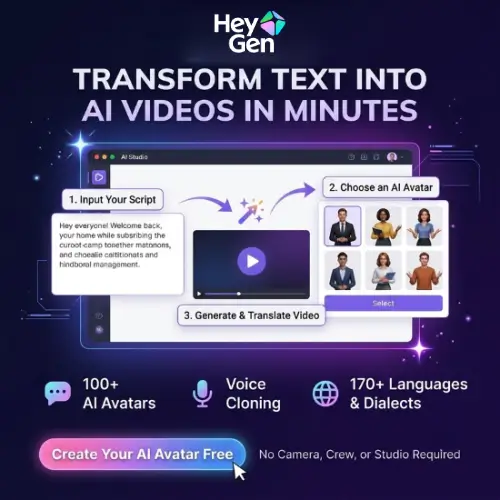


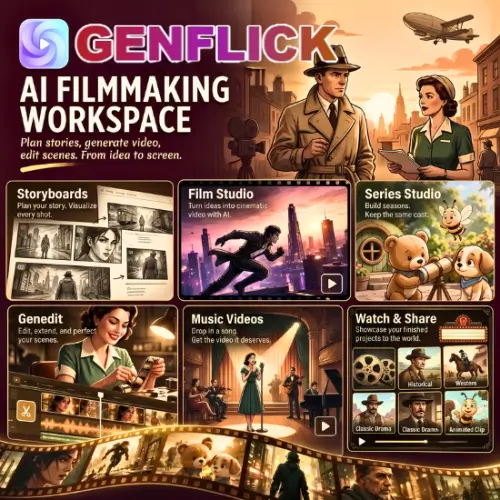


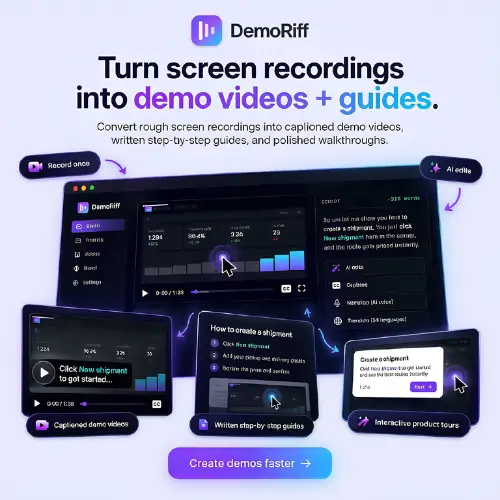
AI video editing tools use machine learning to automate the slow, repetitive parts of post-production. They can transcribe speech, cut out pauses and filler words, remove backgrounds, balance color, and pick the best moments from a long recording. Instead of scrubbing through a timeline frame by frame, you describe what you want or edit through a transcript, and the AI does the heavy lifting. Professional-looking results are now within reach for anyone with footage and an idea.
The category covers the full editing workflow. Auto-caption and subtitle tools generate accurate, styled captions in many languages. Text-based editors let you trim video by deleting words from the transcript. Silence and filler word removers tighten talking-head content automatically. Background removal and replacement tools work without a green screen. Repurposing tools turn webinars, podcasts, and long videos into short clips for TikTok, Reels, and YouTube Shorts. Others handle color correction, upscaling and enhancement, noise reduction, object removal, scene detection, auto-reframing for different aspect ratios, music and b-roll suggestions, dubbing and translation, and template-based editing with brand kits.
Start with your most time-consuming task, whether that is captioning, cutting, repurposing, or visual cleanup. Compare how accurate and natural the automatic edits are, and how much manual control you keep over the final result. Check supported formats, maximum resolution and file length, export quality, and rendering speed. Look at whether the tool works in the browser, on desktop, or as a plugin for Premiere Pro, Final Cut Pro, or DaVinci Resolve. Review collaboration features, templates, brand kits, and integrations with social platforms. Privacy matters when uploading unreleased or client footage, and commercial usage rights apply to any stock media or music included. Pricing ranges from free plans with watermarks to subscriptions for creators and teams.
Start with clear audio and well-lit footage, since AI performs best with clean source material. Let the tool create a first cut, then fine-tune pacing, captions, and transitions yourself. Keep captions short and readable, use consistent branding, and always preview the full video before exporting.
Do not edit video in ways that mislead viewers or misrepresent what people said or did. Only use footage, music, and images you have the rights to, get consent from people featured in your videos, and review AI-generated captions and translations for accuracy. Disclose significant AI alterations where platforms or clients require it.
We bring together the most useful and current AI video editing tools in one organized place. Each listing includes key features, pricing, pros and cons, and practical use cases, so you can compare quickly and choose with confidence. Whether you need a quick caption tool or a full editing suite, you will find options for every skill level and budget.
Start exploring and find the AI tool that gets your videos finished faster.
