
Discover the best AI presentation maker tools on ABC AI Tools. From text-to-slides generators and pitch deck builders to template designers, auto-formatting, speaker notes, and data visualization, these tools turn ideas into polished decks in minutes.
Compare design quality, customization, export options, and pricing side by side to find the right fit for professionals, students, educators, founders, and sales teams. Every top AI presentation tool is curated in one place.
Start exploring and find the AI tool that helps you present with confidence.
Discover the best AI presentation maker tools on ABC AI Tools. From text-to-slides generators and pitch deck builders to template designers, auto-formatting, speaker notes, and data visualization, these tools turn ideas into polished decks in minutes.
Compare design quality, customization, export options, and pricing side by side to find the right fit for professionals, students, educators, founders, and sales teams. Every top AI presentation tool is curated in one place.
Start exploring and find the AI tool that helps you present with confidence.
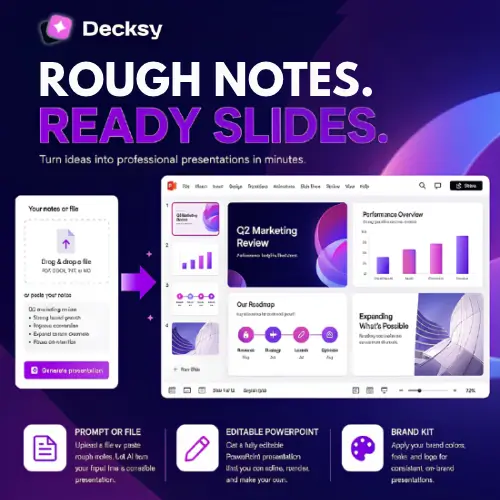
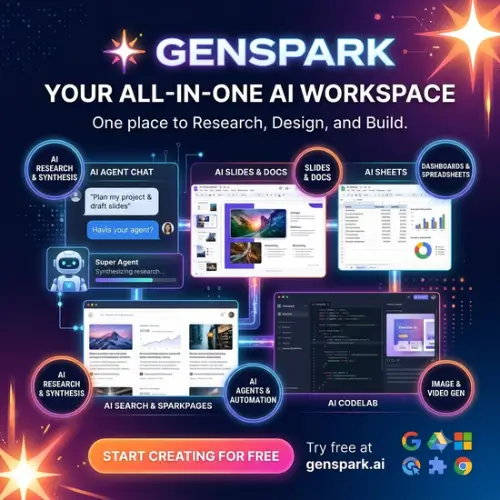


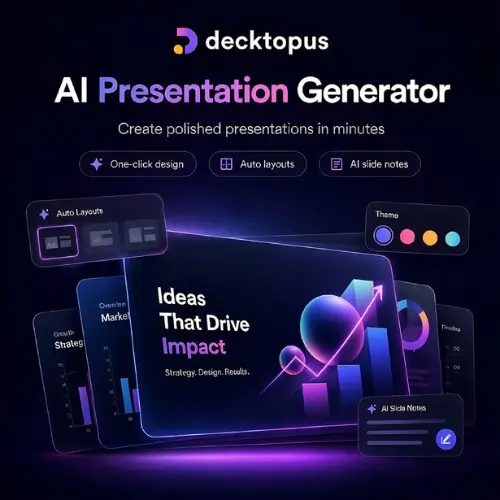

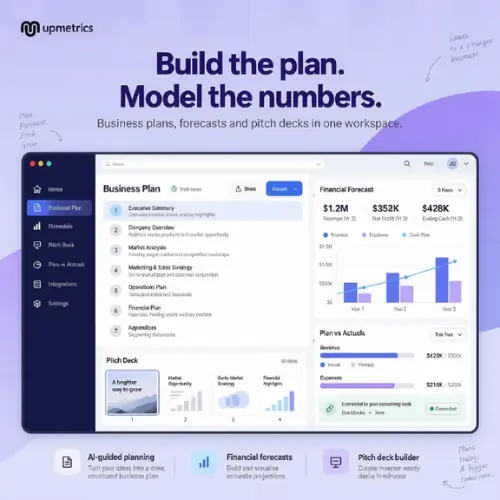
AI presentation makers use machine learning and language models to build slide decks from a prompt, outline, document, or web link. Describe your topic, and the tool drafts the structure, writes the content, picks a layout, and adds visuals and formatting. What once took hours of slide-by-slide work can now be produced in minutes, leaving you more time to refine your message and rehearse your delivery.
The category covers the full presentation workflow. Text-to-slides generators create complete decks from a short prompt or pasted notes. Document-to-presentation tools convert reports, PDFs, and articles into slides. Pitch deck builders structure investor and sales presentations with proven layouts. Design tools apply consistent themes, fonts, colors, and brand kits automatically. Others generate images and icons, build charts and infographics from data, write speaker notes, suggest better wording, translate slides, add animations and transitions, and support real-time collaboration and presenting.
Start with the type of presentations you create most, such as pitch decks, training slides, or reports. Compare the quality of the generated layouts and writing, and how easy it is to edit the result. Check customization options like brand kits, custom fonts, and template libraries. Look at export formats, especially PowerPoint, Google Slides, and PDF compatibility, plus integrations with tools you already use. Review collaboration features, presenter tools, and analytics. Consider commercial usage rights for images and templates, and data privacy for confidential content. Pricing ranges from free plans with limited slides or watermarks to subscriptions for teams and enterprises.
Give the tool clear details about your topic, audience, goal, and preferred tone. Start with an outline, then refine slide by slide. Keep each slide focused on one idea, use visuals over dense text, and add your own data, stories, and examples. Practice your delivery, since the best slides support the speaker rather than replace them.
AI-generated slides can contain inaccurate facts, outdated statistics, or generic content, so verify every claim before presenting. Review images and templates for licensing terms, avoid uploading confidential material to tools you have not vetted, and credit your sources where needed.
We bring together the most useful and current AI presentation tools in one organized place. Each listing includes key features, pricing, pros and cons, and practical use cases, so you can compare quickly and choose with confidence. Whether you need a quick class deck or a polished investor pitch, you will find options for every skill level and budget.
Start exploring and find the AI tool that helps you present with confidence.
