
Discover the best AI video generation tools on ABC AI Tools. From text-to-video and image-to-video creators to AI avatars, video editors, auto-captioning, and social clip makers, these tools produce professional footage without cameras, crews, or editing skills.
Compare video quality, features, export options, and pricing side by side to find the right fit for creators, marketers, educators, and businesses. Every top AI video tool is curated in one place.
Start exploring and find the AI tool that brings your video ideas to life.
Discover the best AI video generation tools on ABC AI Tools. From text-to-video and image-to-video creators to AI avatars, video editors, auto-captioning, and social clip makers, these tools produce professional footage without cameras, crews, or editing skills.
Compare video quality, features, export options, and pricing side by side to find the right fit for creators, marketers, educators, and businesses. Every top AI video tool is curated in one place.
Start exploring and find the AI tool that brings your video ideas to life.
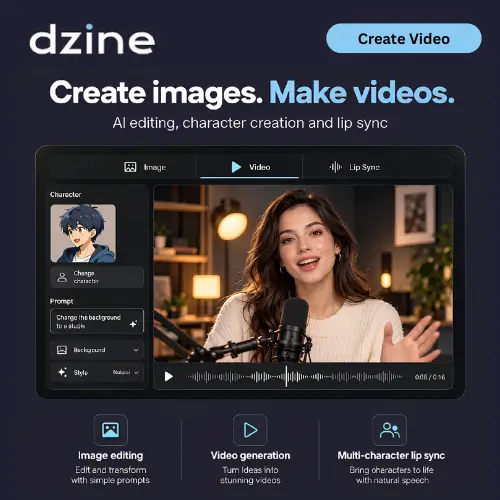




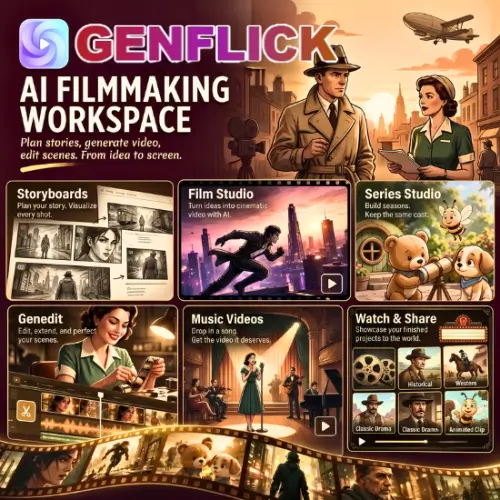


AI video generation tools use deep learning to create, edit, and enhance video automatically. They can turn a written prompt into a cinematic clip, animate a photo, build a presenter-led video from a script, or cut a long recording into short, shareable highlights. Work that once required cameras, studios, and hours of editing can now be done in minutes from a browser.
The category covers the full video production process. Generation tools create original clips from text, images, or reference footage. AI avatar and presenter tools produce talking-head videos with natural voiceovers in many languages. Editing tools add captions, remove backgrounds, trim silences, upscale resolution, and apply styles or effects. Repurposing tools turn webinars, podcasts, and long videos into short clips for TikTok, Reels, and YouTube Shorts. Others handle dubbing and lip-sync, product and ad videos, explainer and training content, animation, motion graphics, and templates with brand kits.
Start with your main goal, whether that is generating new footage, creating avatar-led videos, or editing and repurposing existing content. Compare video quality, motion realism, and how closely the result matches your prompt or script. Check maximum clip length, resolution, aspect ratios, and export formats. Look at useful features such as voiceovers, subtitles, templates, stock media, and team collaboration. Review rendering speed, credit costs, and watermark rules. Commercial usage rights are important if you plan to publish or monetize your videos, so read the terms carefully. Pricing ranges from free credits to professional and enterprise plans.
Write clear prompts that describe the subject, setting, action, camera movement, lighting, and mood. Begin with short clips, refine through iteration, and combine scenes into a longer sequence. Add your own voiceover, music, and finishing edits to give the final video a polished, original touch.
AI video can look convincingly real, so avoid creating misleading content. Never imitate real people without their consent, respect copyright and likeness rights, and verify facts in your scripts. Disclose AI-generated video where appropriate, especially in advertising, news, and political contexts.
We bring together the most useful and current AI video generation tools in one organized place. Each listing includes key features, pricing, pros and cons, and practical use cases, so you can compare quickly and choose with confidence. Whether you want a free generator to experiment with or a professional platform for branded content, you will find options for every skill level and budget.
Start exploring and find the AI tool that brings your video ideas to life.
