
Discover the best AI transcription tools on ABC AI Tools. From speech-to-text converters and meeting transcribers to interview, podcast, and video captioning tools, these apps turn spoken words into accurate, searchable text in minutes.
Compare accuracy, language support, speaker detection, integrations, and pricing side by side to find the right fit for journalists, students, researchers, creators, and businesses. Every top AI transcription tool is curated in one place.
Start exploring and find the AI tool that turns every conversation into text.
Discover the best AI transcription tools on ABC AI Tools. From speech-to-text converters and meeting transcribers to interview, podcast, and video captioning tools, these apps turn spoken words into accurate, searchable text in minutes.
Compare accuracy, language support, speaker detection, integrations, and pricing side by side to find the right fit for journalists, students, researchers, creators, and businesses. Every top AI transcription tool is curated in one place.
Start exploring and find the AI tool that turns every conversation into text.
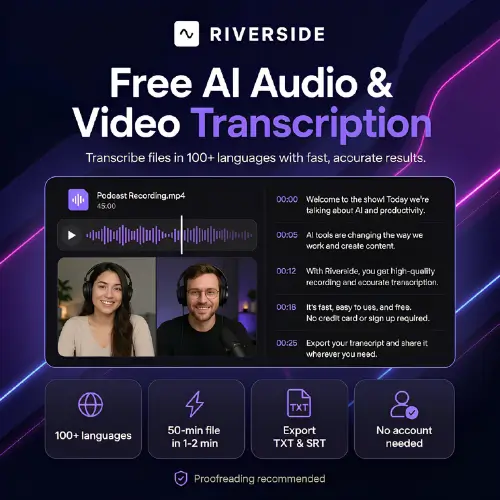
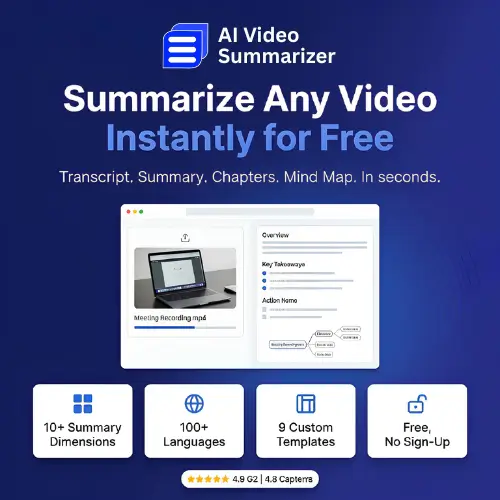
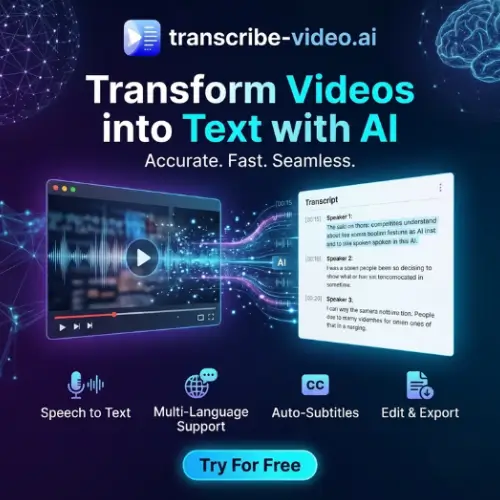

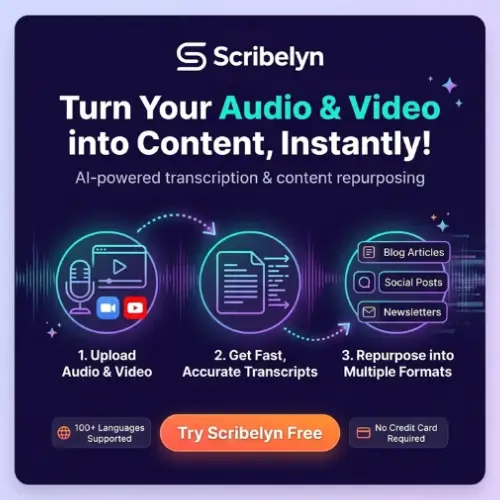


AI transcription tools use speech recognition and natural language processing to convert audio and video into written text automatically. Upload a recording, connect a live meeting, or paste a video link, and the tool delivers a transcript in a fraction of the time it would take to type by hand. Many also add timestamps, speaker labels, summaries, and keyword search, so you can find what matters without replaying the whole recording.
The category covers a wide range of speech-to-text needs. Meeting transcription tools join calls on Zoom, Google Meet, and Microsoft Teams, then produce notes and action items. Interview and research tools transcribe conversations for journalists and academics. Podcast and video tools generate captions, subtitles, and show notes. Live transcription tools provide real-time text for events, lectures, and accessibility. Others offer multilingual transcription and translation, speaker identification, custom vocabulary for technical terms, medical and legal transcription, voice memo conversion, and transcript editing with synced audio playback.
Start with your main use case, whether that is meetings, interviews, video captions, or live events. Compare accuracy, especially with accents, background noise, and specialized vocabulary. Check supported languages, speaker detection, and how well the tool handles multiple speakers. Look at features such as timestamps, summaries, translation, subtitle export, and an editor that syncs text with audio. Review integrations with platforms like Zoom, Teams, Google Meet, YouTube, and Notion, along with file size and length limits. Privacy and security are critical, so review how recordings are stored and whether they are used for training. Pricing ranges from free minutes to subscriptions and enterprise plans.
Record in a quiet space with a good microphone, and ask speakers to talk clearly one at a time. Add custom vocabulary for names and technical terms, and choose the right language and accent setting before starting. Review and correct the transcript, especially for quotes and important details.
Always get consent before recording or transcribing conversations, since laws on recording vary by region. Protect confidential and personal information, and choose tools with strong security for sensitive material such as legal, medical, or HR discussions. AI transcripts can contain errors, so proofread before publishing or using them as official records.
We bring together the most useful and current AI transcription tools in one organized place. Each listing includes key features, pricing, pros and cons, and practical use cases, so you can compare quickly and choose with confidence. Whether you need a quick voice memo converter or a full meeting and captioning platform, you will find options for every need and budget.
Start exploring and find the AI tool that turns every conversation into text.
